
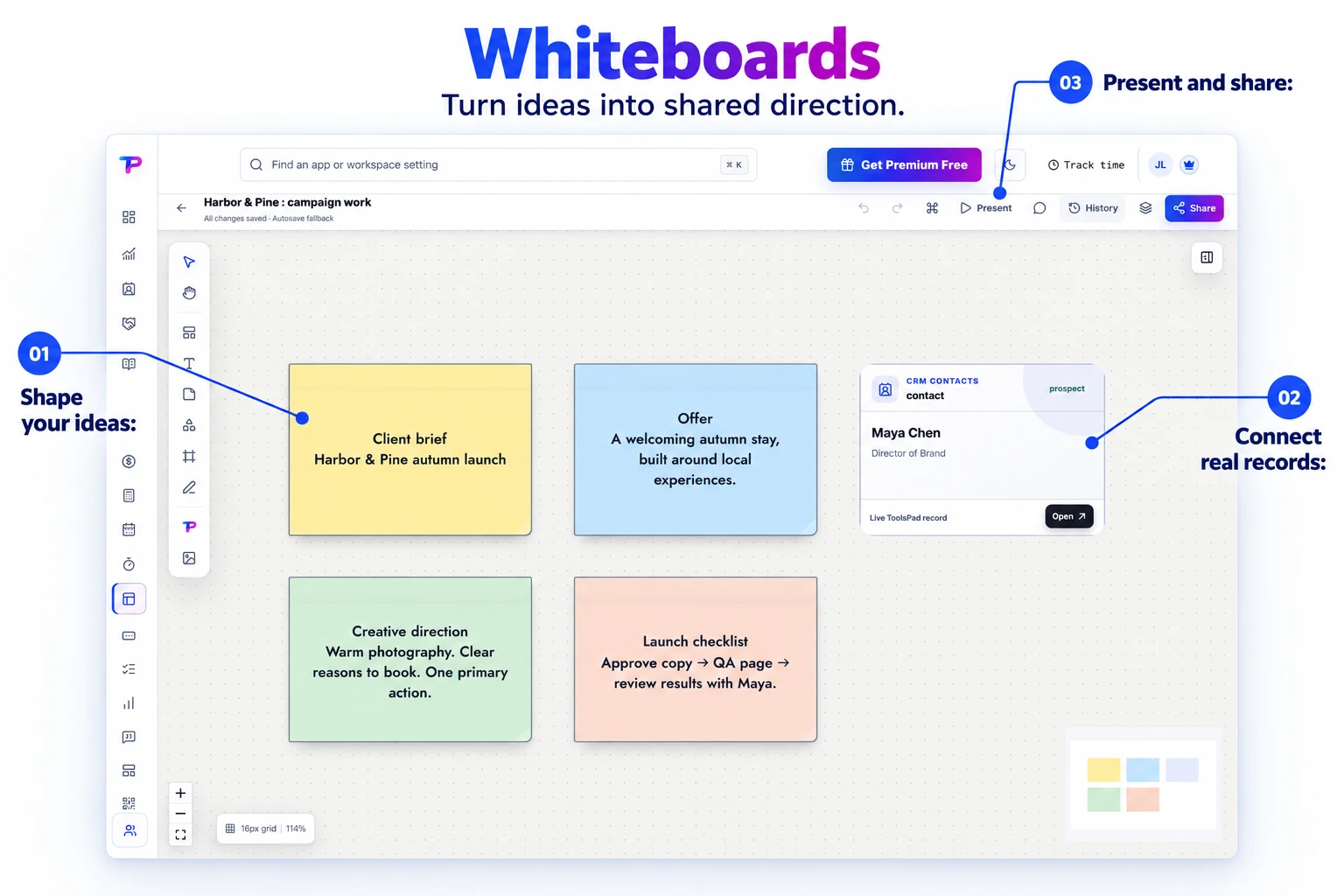
Room for the whole idea
Pan and zoom across an expansive canvas, then use frames and groups to make even a detailed plan easy to navigate.
Think freely on an unlimited canvas, build polished diagrams, and place live ToolsPad records beside the decisions and relationships they explain.
Map a workshop with sticky notes and connected CRM cards. Bring customer context onto the canvas where you shape the plan.
See the whole situation, connect what matters, and move from scattered context to a shared plan.
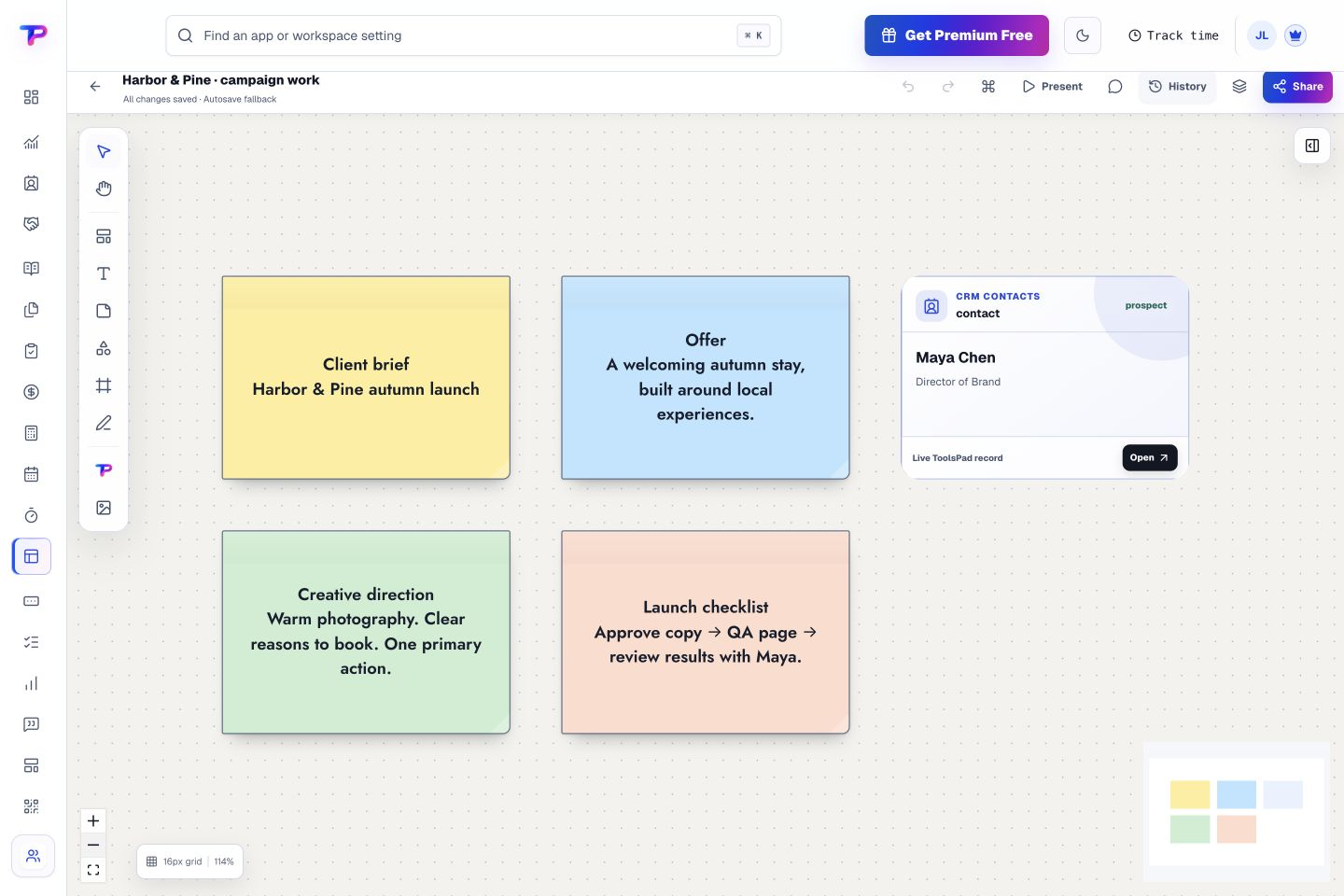
Pan and zoom across an expansive canvas, then use frames and groups to make even a detailed plan easy to navigate.
Combine text, sticky notes, shapes, freehand drawing, mind maps, flowcharts, wireframes, tables, and expressive connectors.
Place contacts, opportunities, notes, tasks, forms, surveys, invoices, pages, QR codes, and other ToolsPad work on the board as linked records—not copied data.
Work together with live cursors, presence, comments, permissions, and conflict-safe collaboration designed for small teams.
Use a default grid, snapping, smart alignment guides, distribution controls, and clean connector routing to make organized boards quickly.
Create frames for presentations, preserve checkpoints, export client-ready views, and issue revocable viewer links with private record details protected.
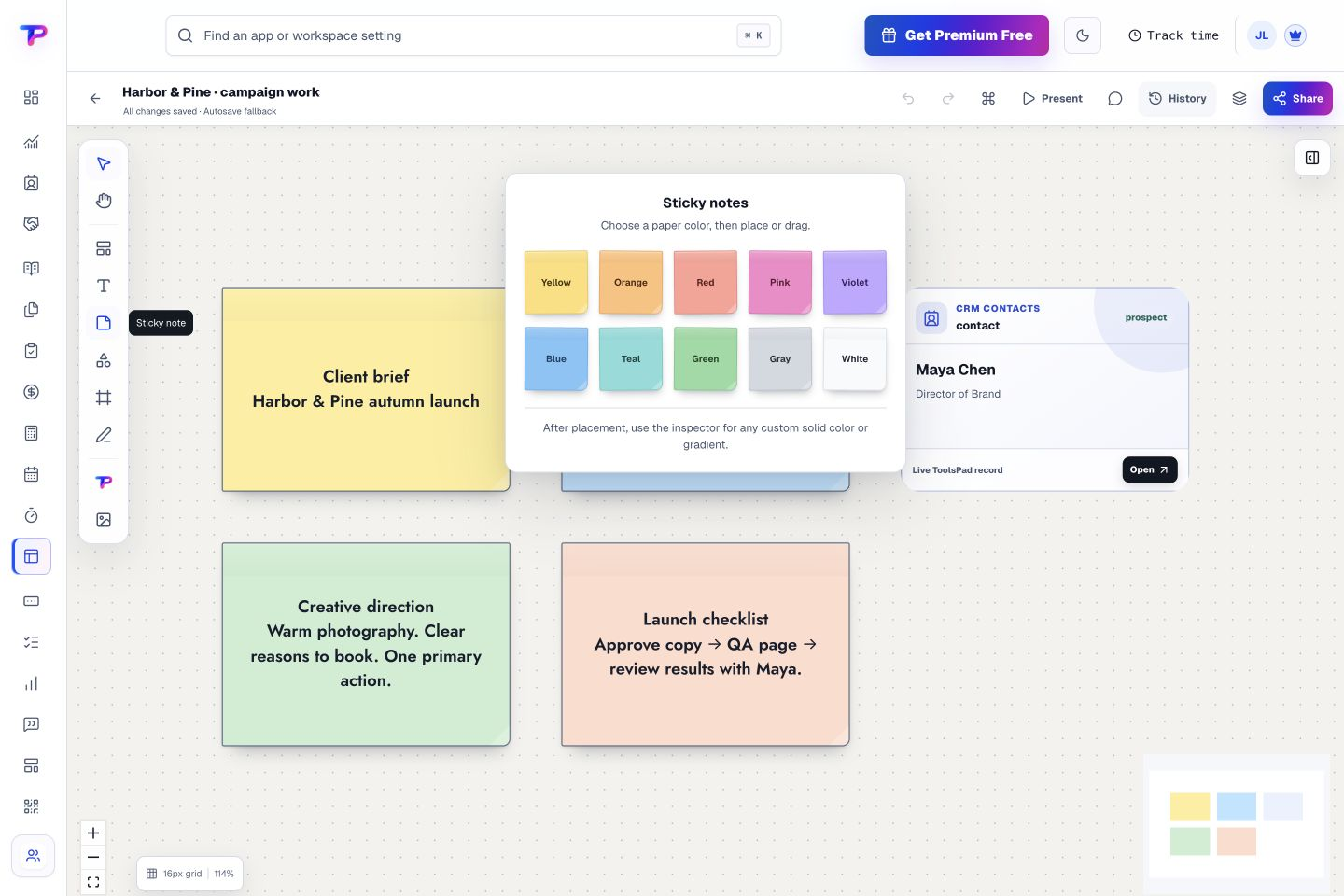
Give sticky notes a color that means something to your team. Keep themes, decisions, and next steps easy to distinguish on the canvas.
Add structured shapes, notes, frames, diagrams, wireframes, tables, and connectors with smart layout assistance.
Insert live ToolsPad records that respect source permissions and remain connected to their original app.
Work together in real time, resolve comments, preserve checkpoints, and present selected frames to the people who need them.
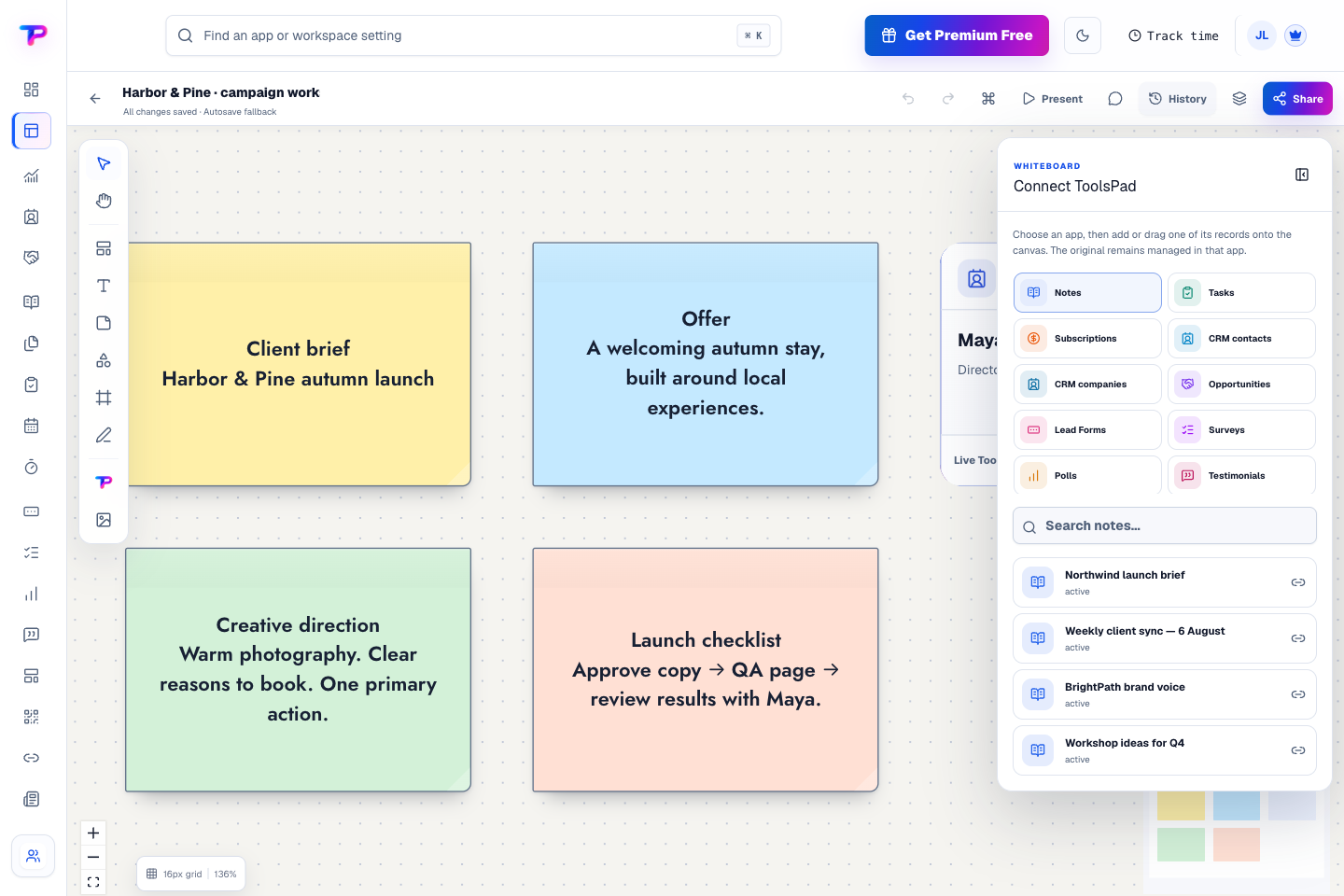
Choose an app, then add or drag a record onto the canvas. Bring notes, tasks, contacts, and other work into the discussion while the originals stay managed in their source apps.
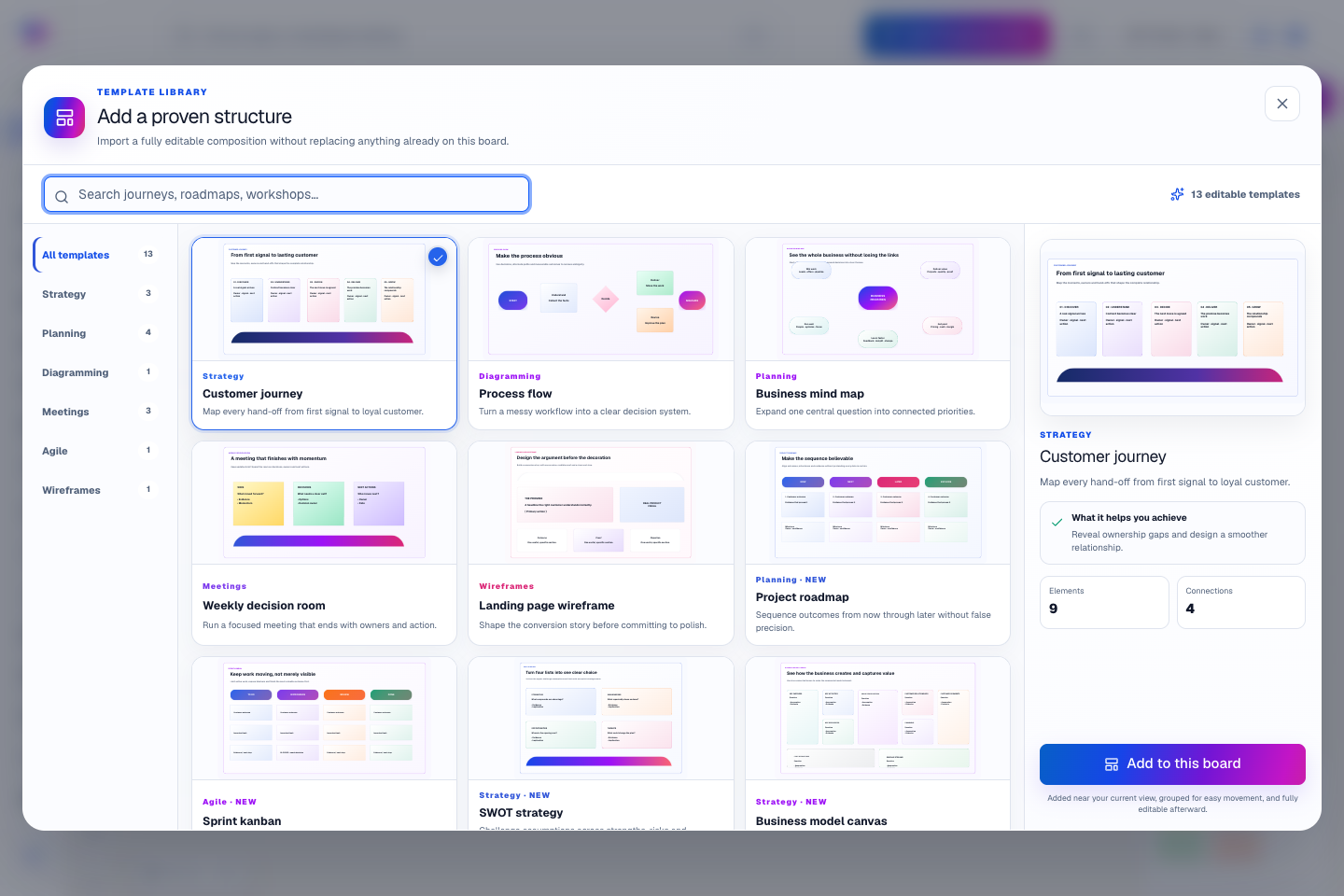
Start with an editable customer journey, process flow, mind map, or project roadmap. Add a useful structure to your board and make it your own.
Put the customer, task, and next decision beside the plan.
Keep contacts, context and follow-ups together.
Keep promising deals moving toward a decision.
Keep ideas, briefs and decisions easy to find.
Give every next step an owner and a deadline.
Turn website enquiries into organized leads.
Ask better questions. Learn from every response.
Let your audience help make the next decision.
Build a focused page around your next offer.
See what renews before you pay again.
Turn your proposal into a clear, professional quote.
Prepare clear invoices and track their status.
Collect customer stories and publish your best proof.
Work through pricing, margins and business scenarios.
Let customers choose a time that works.
Know where the working hours are going.
Route visitors and compare campaign results.
Create branded QR codes and review their reach.
Bring useful business signals into one view.
Find, share and reuse your business files.
Give your expertise a place to grow.
Map ideas alongside the work they belong to.
You’re hereMore tools. One free account.Scroll to explore, or use the arrows.
Clear answers before you create your first whiteboards workflow.
Yes. Organize your work into frames, present selected views, or export a view for your client. Viewer links can be revoked, and private linked records keep their access permissions.
Yes. Add linked contacts, opportunities, tasks, notes, and invoices beside your diagram. Open the original record when you need more detail, with its existing access permissions respected.
Yes. Whiteboards includes live presence, cursors, collaborative editing, comments, and board roles for owners, editors, commenters, and viewers.
Yes. One free account includes all 21 ToolsPad apps within Free plan limits, unlimited human teammates, and 30 days of Premium to explore—no card required. Afterward, continue on Free or choose a paid plan for more capacity and advanced features.
Start with Whiteboards today. Add the other apps as you need them—all from the same free account.