
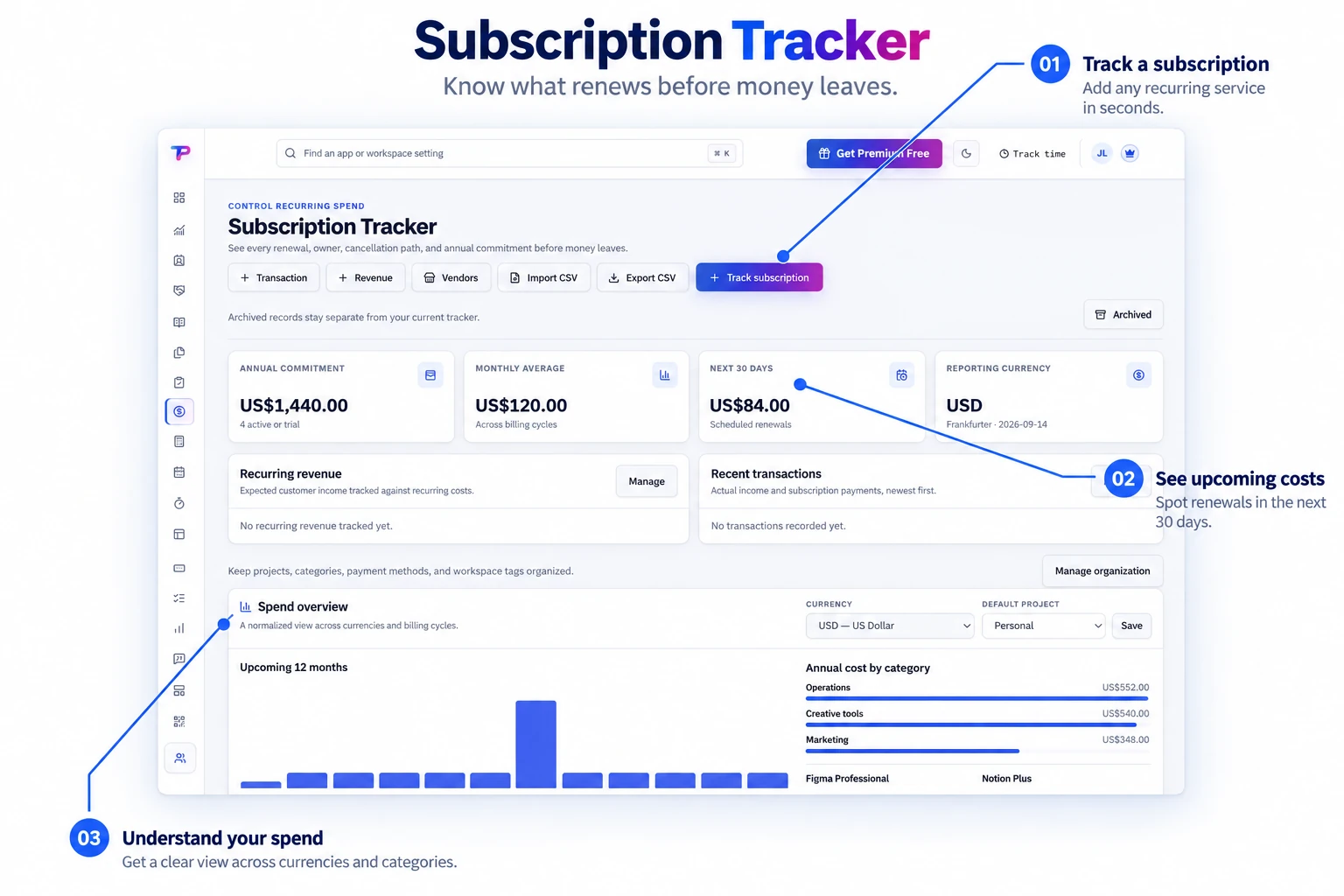
Renewal schedules
Track monthly, annual, and custom renewal cycles with the dates that matter.
Track renewal dates, owners, currencies, vendors, reminders, and cancellation links in one calm view built for small-business operations.
Bring subscription costs, contracts, and renewal dates into one overview. Understand the services your business pays for and what is coming next.
Reduce surprise renewals and make every recurring expense accountable.
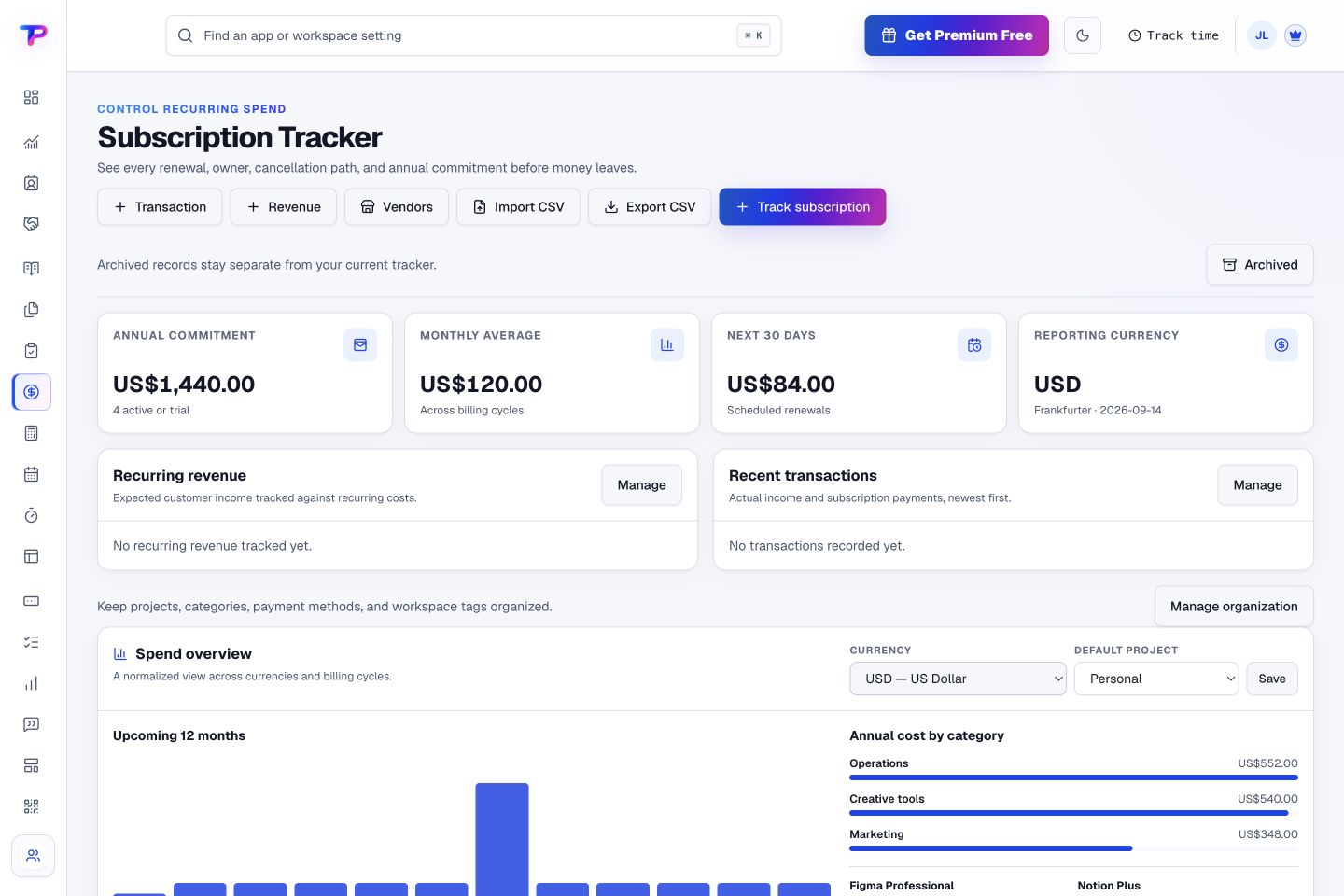
Track monthly, annual, and custom renewal cycles with the dates that matter.
Record costs in the currency charged and keep portfolio summaries useful.
Know who uses a service, who manages it, and who supplies it.
Keep the next action beside the subscription instead of searching during renewal week.
Create advance notice for review, cancellation, budgeting, and payment.
Bring an existing list in and keep a portable operational record.
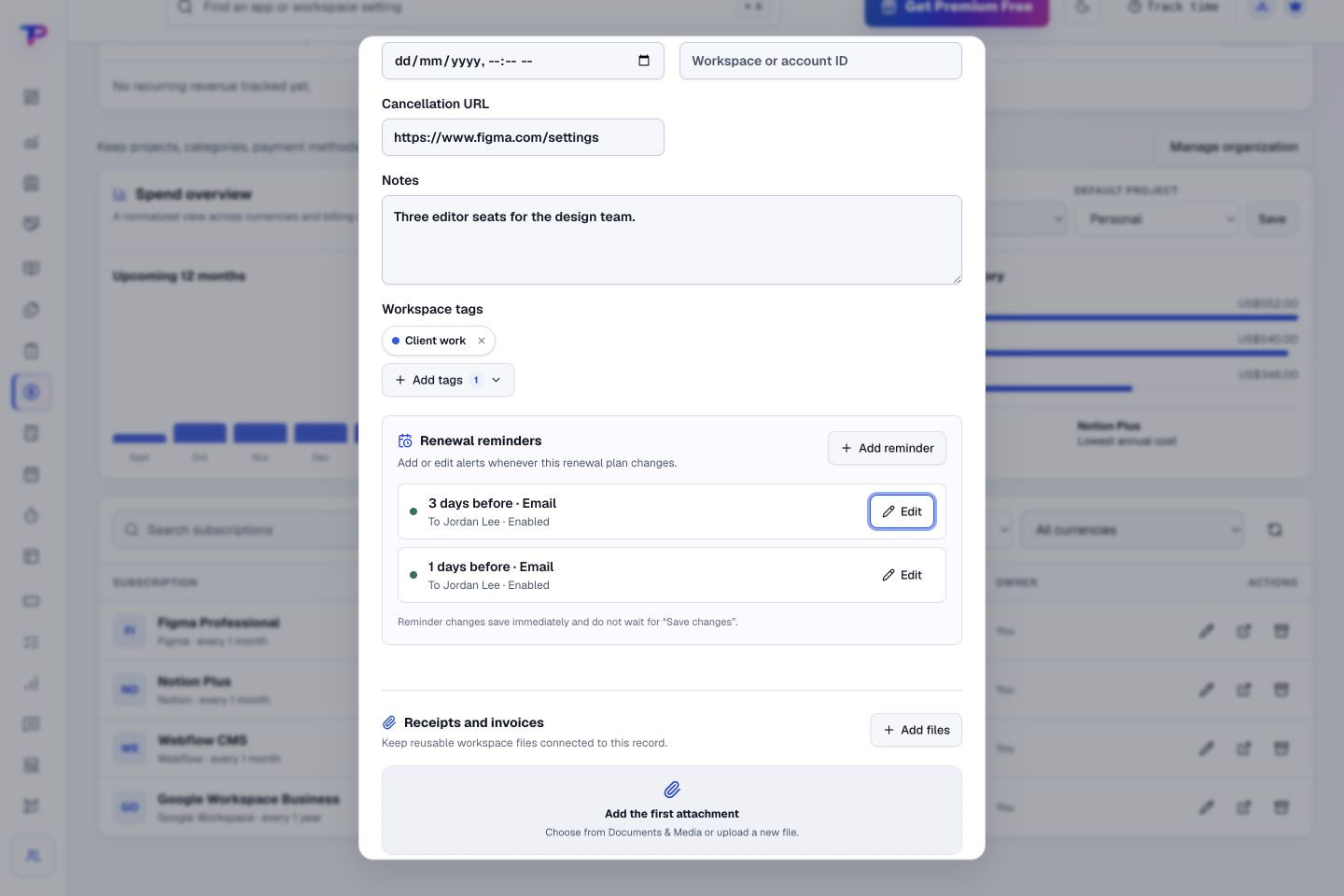
Set reminders ahead of the renewal date and keep notes and tags with the subscription. Bring the context you need to the decision.
Record the cost, currency, frequency, owner, and cancellation details.
Use practical defaults for monthly and annual renewals, then adjust when needed.
See upcoming renewals and recurring totals while there is still time to act.
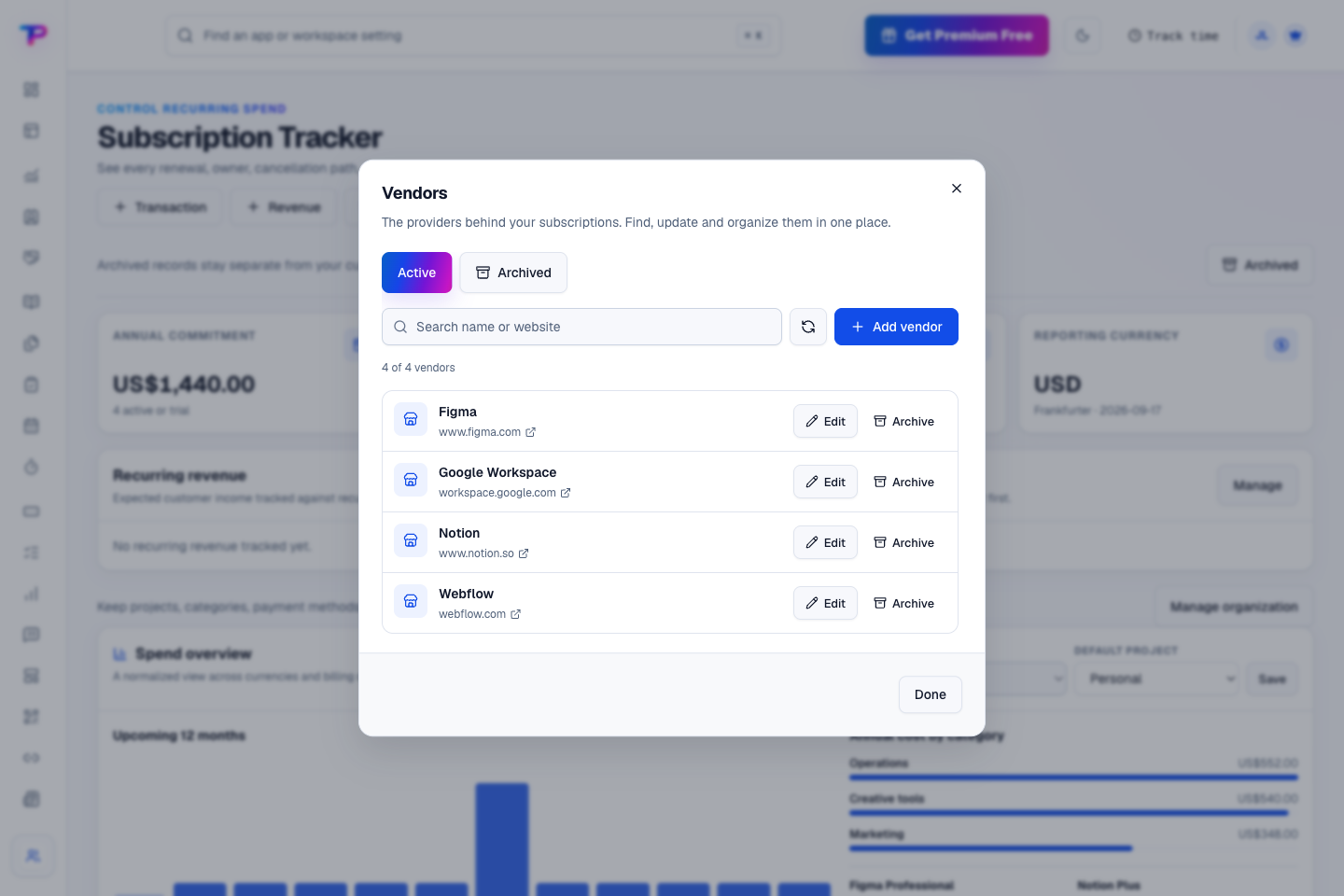
Find vendors and their websites in one directory. Update provider details or archive vendors you no longer use without losing sight of your recurring commitments.
Move a renewal decision into the same notes, tasks, and planning tools.
Keep ideas, briefs and decisions easy to find.
Give every next step an owner and a deadline.
Map ideas alongside the work they belong to.
Turn website enquiries into organized leads.
Ask better questions. Learn from every response.
Let your audience help make the next decision.
Build a focused page around your next offer.
Turn your proposal into a clear, professional quote.
Prepare clear invoices and track their status.
Collect customer stories and publish your best proof.
Work through pricing, margins and business scenarios.
Let customers choose a time that works.
Know where the working hours are going.
Route visitors and compare campaign results.
Keep contacts, context and follow-ups together.
Keep promising deals moving toward a decision.
Create branded QR codes and review their reach.
Bring useful business signals into one view.
Find, share and reuse your business files.
Give your expertise a place to grow.
See what renews before you pay again.
You’re hereMore tools. One free account.Scroll to explore, or use the arrows.
Clear answers before you create your first subscription tracker workflow.
No. It tracks ownership, timing, cost, and cancellation information so your team can make and execute the decision.
Yes. The tracker supports CSV import and export for practical migration and reporting.
Yes. One free account includes all 21 ToolsPad apps within Free plan limits, unlimited human teammates, and 30 days of Premium to explore—no card required. Afterward, continue on Free or choose a paid plan for more capacity and advanced features.
Start with Subscription Tracker today. Add the other apps as you need them—all from the same free account.