
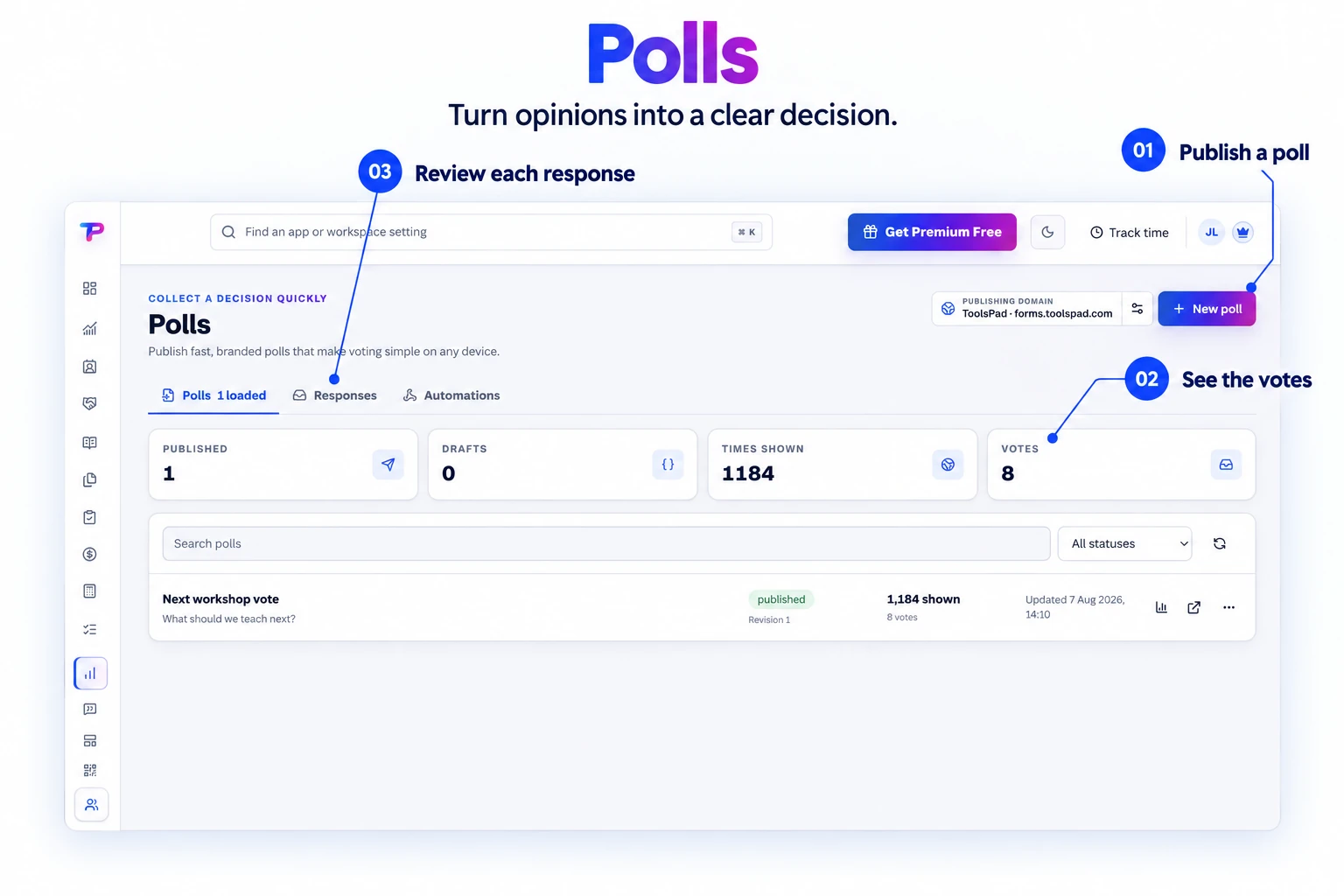
Fast poll builder
Start with the question and choices instead of configuring an oversized survey.
Create quick branded votes with a focused editor, clear choices, lightweight public pages, and a response record in the same ToolsPad workspace.
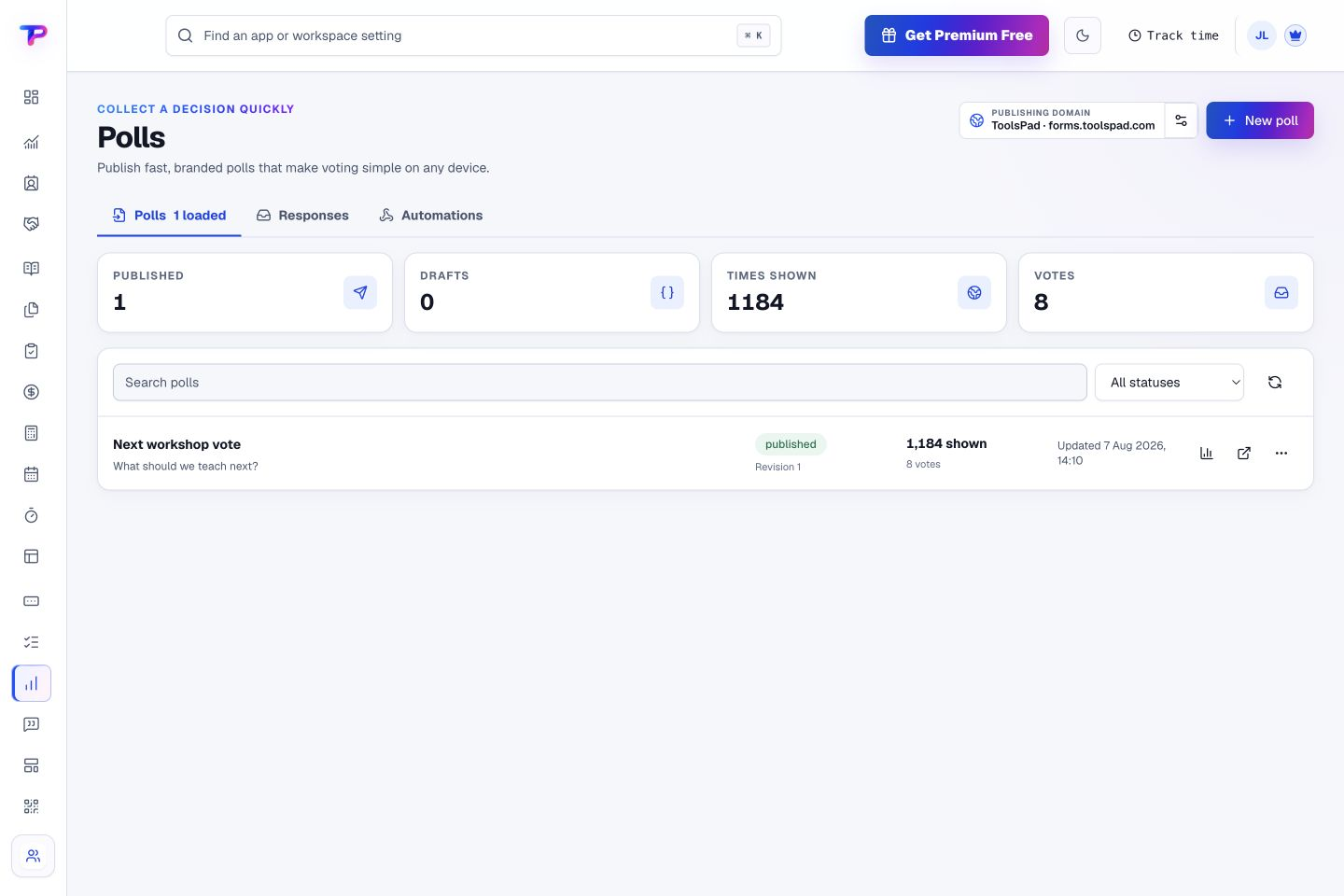
Manage published polls and see displays and votes together. Open the public poll or its analytics from the same place.
Ask one clear question, make voting effortless, and move the decision forward.
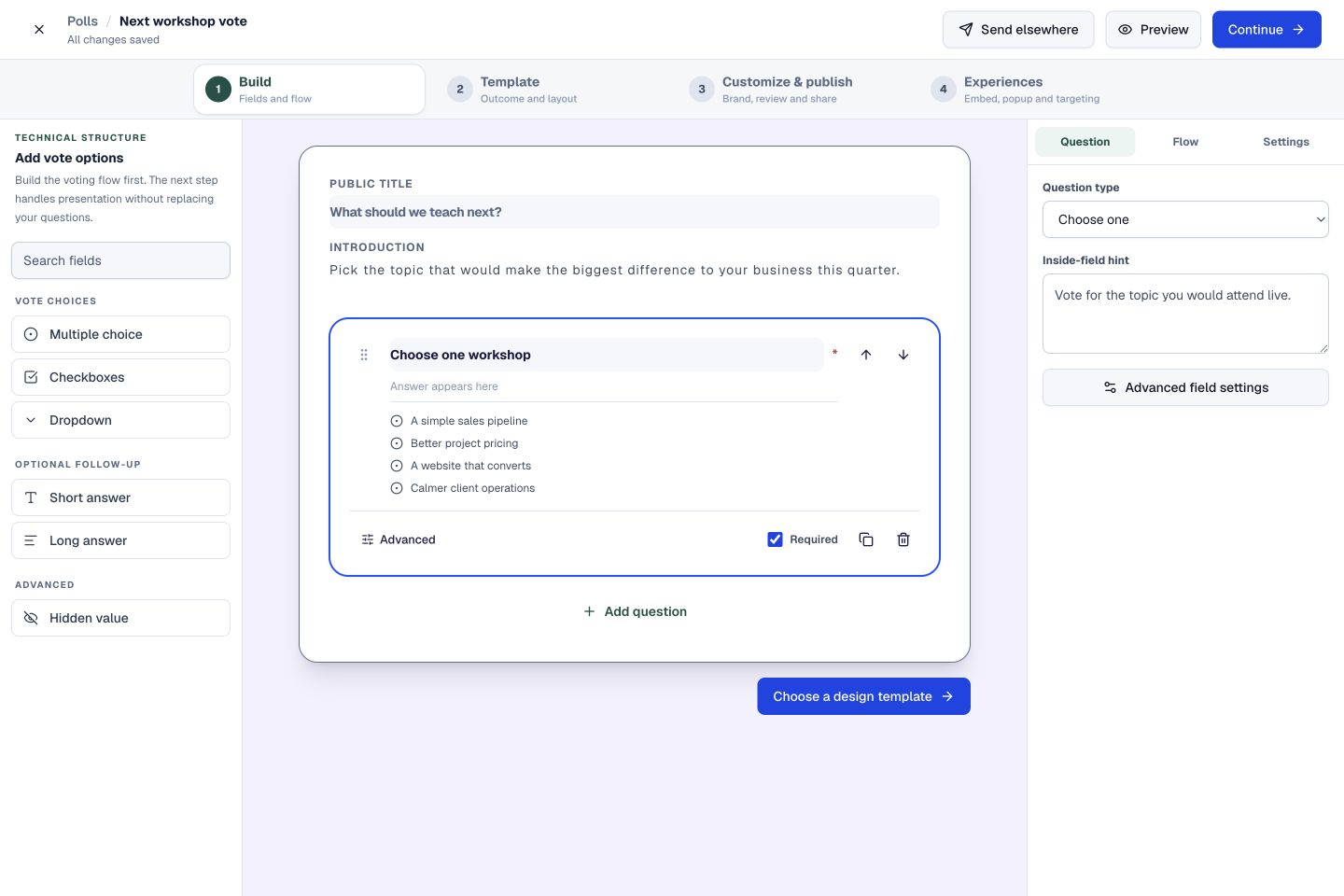
Start with the question and choices instead of configuring an oversized survey.
Poll questions begin required and offer clear single- or multiple-choice controls.
Choose clean, professional, warm, bold, or dark presentation with exact colors.
Use a compact public experience designed for fast completion on any screen.
Publish a direct voting link or place the poll inside an existing website.
See vote totals and winning choices as responses arrive.
Write the introduction, add the answer choices, and preview the voting experience. Guide people toward the decision you need their help with.
Define the question, options, closing behavior, and result visibility.
Share a hosted poll or embed it in a page with your chosen presentation.
See the result immediately and understand which choice won.
Open a response to see the selected answer alongside its source, attribution, and status. Keep the decision and the detail together.
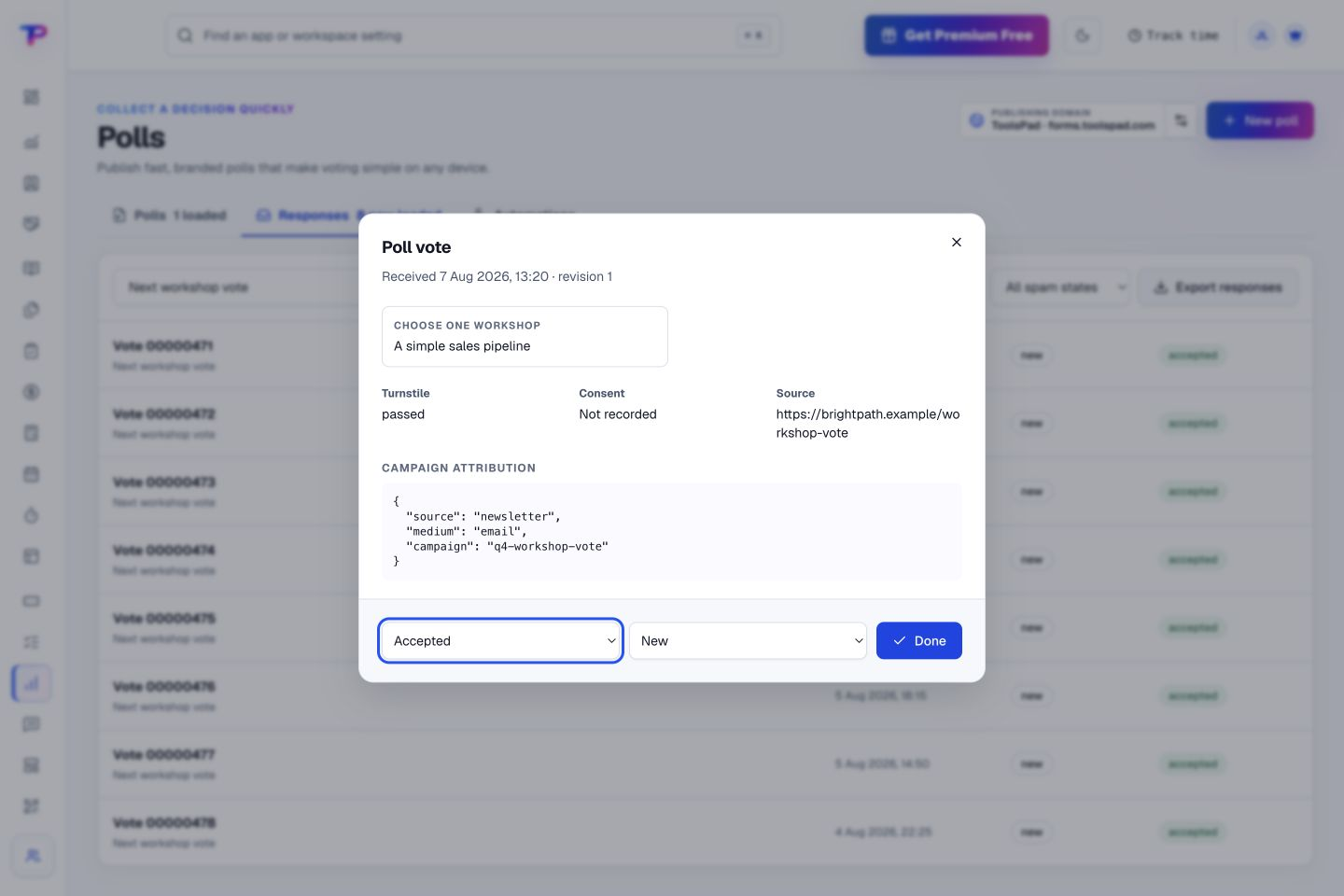
Put the vote inside the campaign and keep identified context when it matters.
Build a focused page around your next offer.
Route visitors and compare campaign results.
Keep contacts, context and follow-ups together.
Keep ideas, briefs and decisions easy to find.
Map ideas alongside the work they belong to.
Give every next step an owner and a deadline.
Turn website enquiries into organized leads.
Ask better questions. Learn from every response.
See what renews before you pay again.
Turn your proposal into a clear, professional quote.
Prepare clear invoices and track their status.
Collect customer stories and publish your best proof.
Work through pricing, margins and business scenarios.
Let customers choose a time that works.
Know where the working hours are going.
Keep promising deals moving toward a decision.
Create branded QR codes and review their reach.
Bring useful business signals into one view.
Find, share and reuse your business files.
Give your expertise a place to grow.
Let your audience help make the next decision.
You’re hereMore tools. One free account.Scroll to explore, or use the arrows.
Clear answers before you create your first polls workflow.
Use a poll for one quick choice, such as a workshop topic or audience preference. Use Surveys when you need several questions or more detailed feedback.
Yes. Polls includes theme presets and exact brand color controls.
Yes. One free account includes all 21 ToolsPad apps within Free plan limits, unlimited human teammates, and 30 days of Premium to explore—no card required. Afterward, continue on Free or choose a paid plan for more capacity and advanced features.
Start with Polls today. Add the other apps as you need them—all from the same free account.