
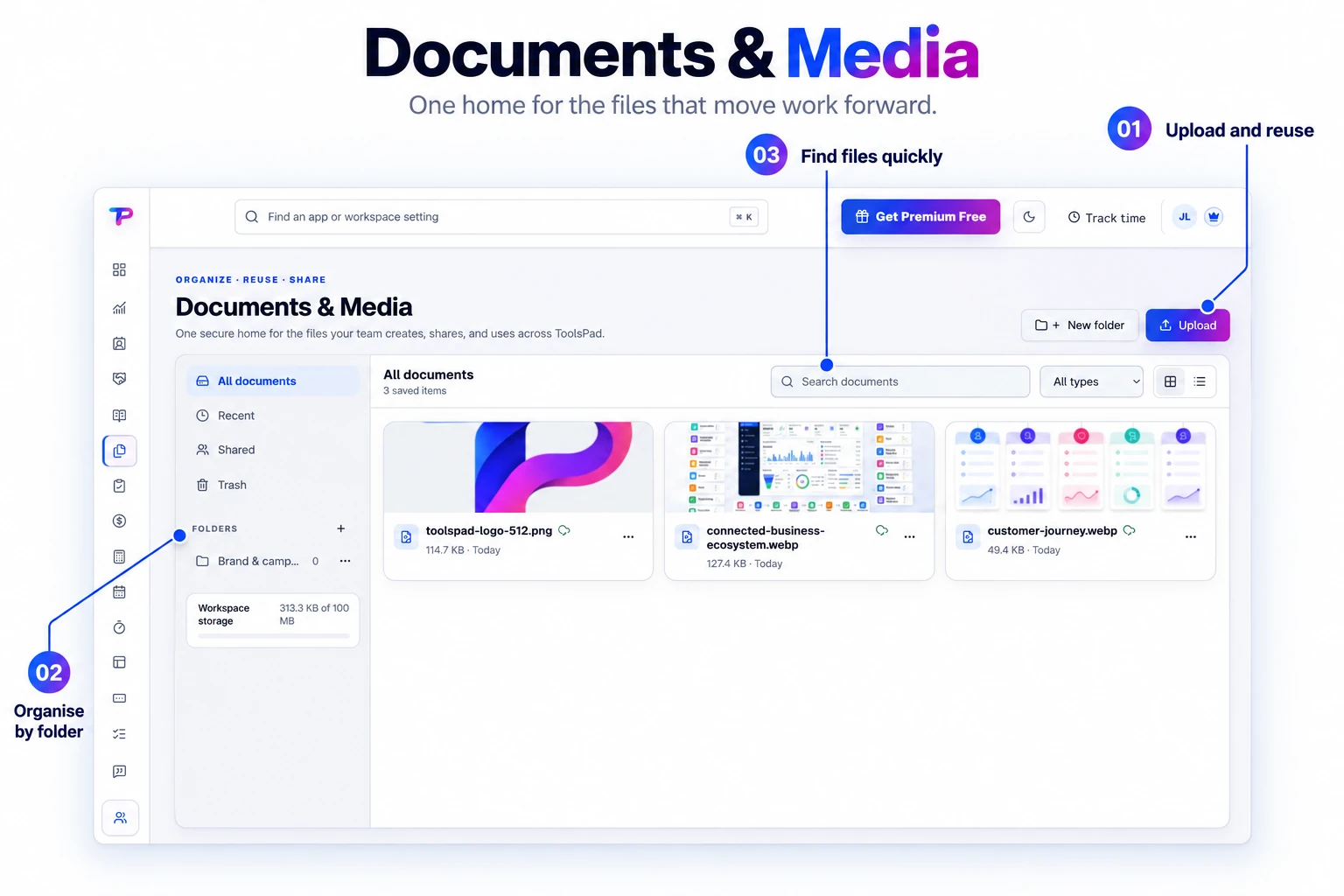
Upload once, reuse across apps
Keep one file in your library and use it in Blogs, Pages, QR campaigns, Whiteboards, CRM, and other connected apps.
Keep client documents, brand images, and campaign media in one organized library. Find files quickly, share them securely, and reuse them across your ToolsPad apps.
Bring documents and media into one workspace library so your team can find the files behind the work.
Spend less time finding files and uploading the same asset again.
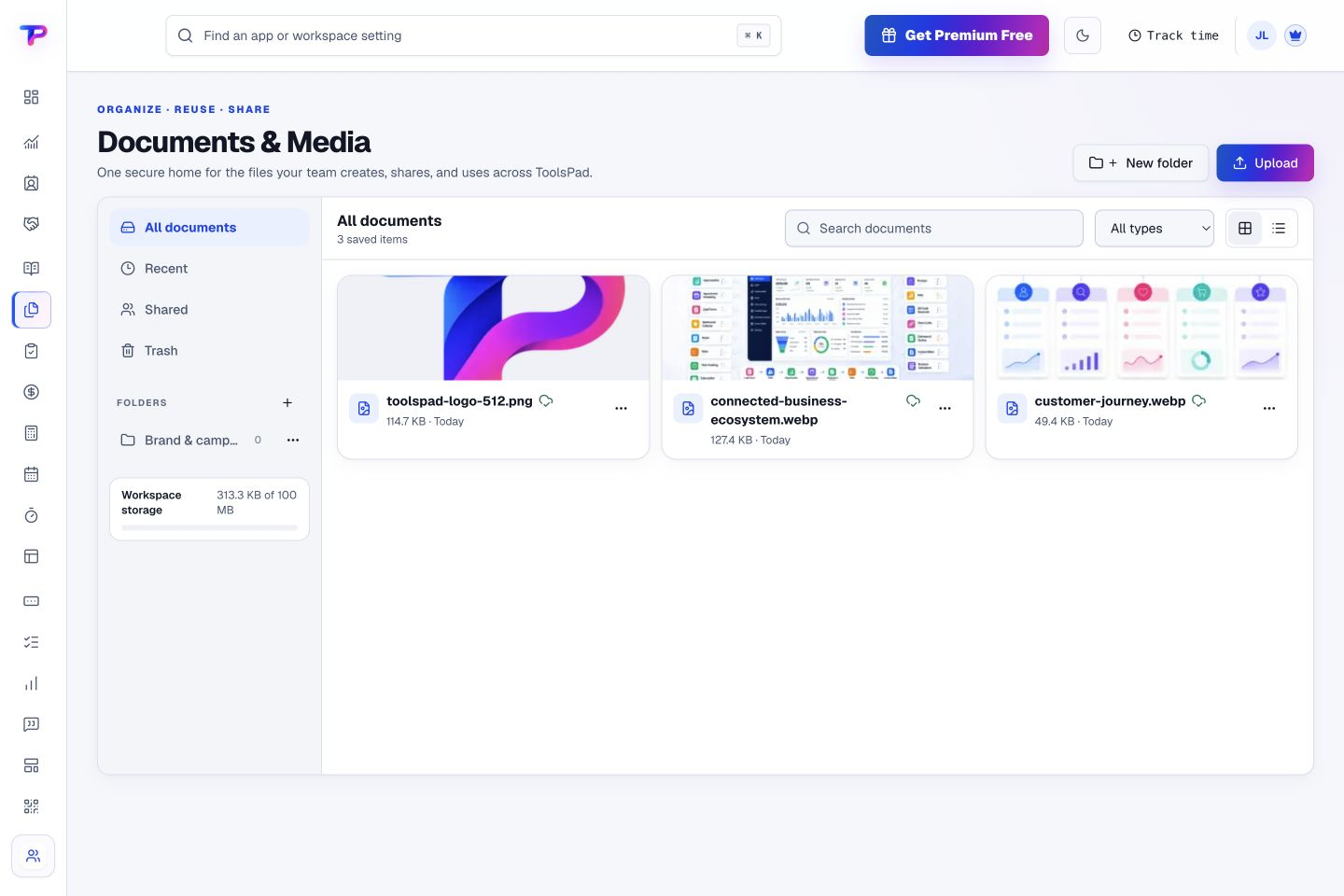
Keep one file in your library and use it in Blogs, Pages, QR campaigns, Whiteboards, CRM, and other connected apps.
Organize team files while protected app folders keep generated and application-owned assets understandable.
Find assets by name, file type, folder, recency, or source application without scanning an endless drive.
Create controlled external shares with expiry and revocation while keeping private workspace access separate.
See how much of your workspace storage you have used and plan ahead as your library grows.
Connected publishing apps use optimized image versions, while your original stays in the library.
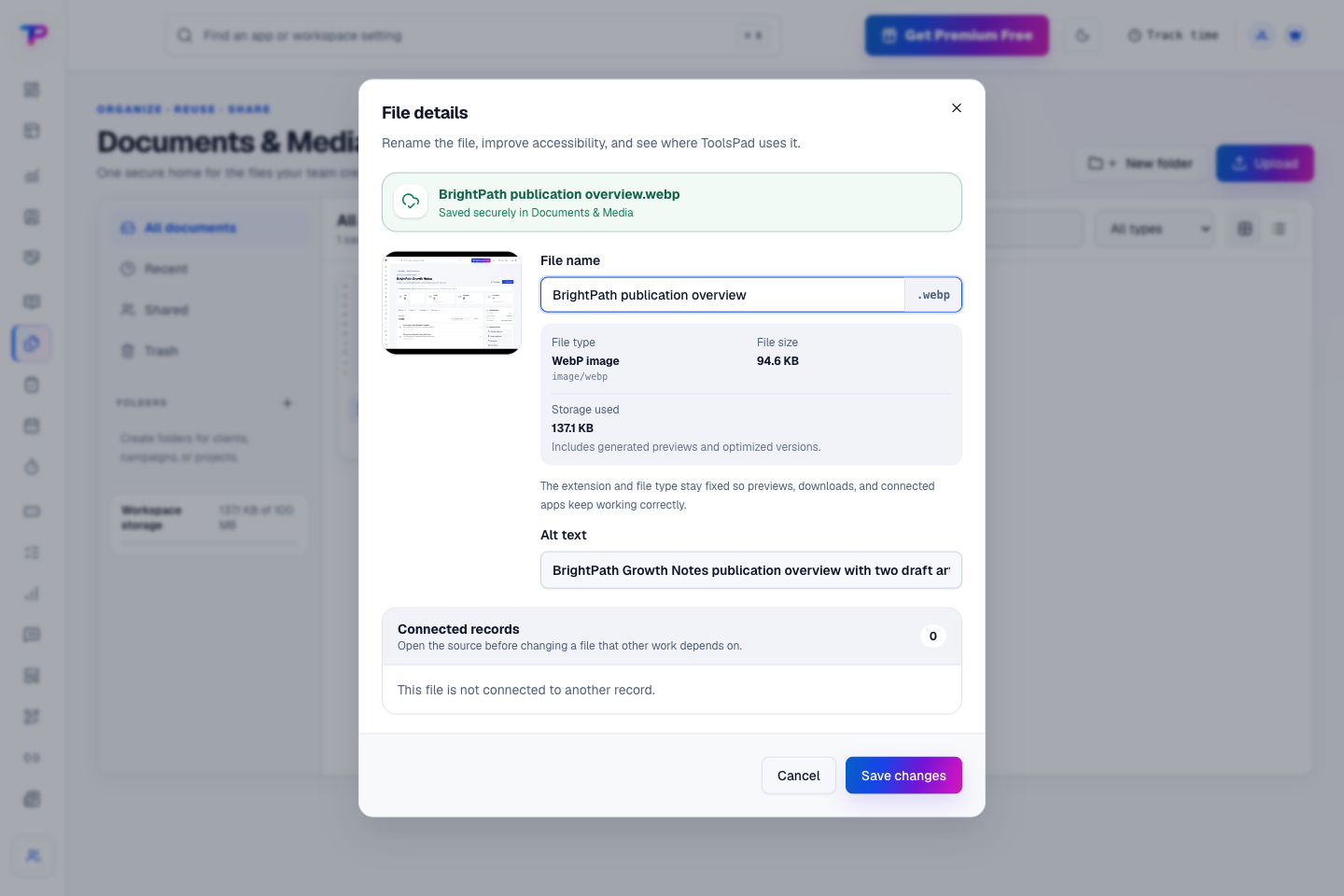
Preview an asset, give it a recognizable name, and add helpful alt text. Check its storage and connected records before making a change.
Upload documents and images, then organize them into folders for clients, projects, or your brand.
Search by name and filter by file type, folder, or recent activity to reach the file you need.
Use it in connected ToolsPad apps or send a client a share link with an expiry you control.
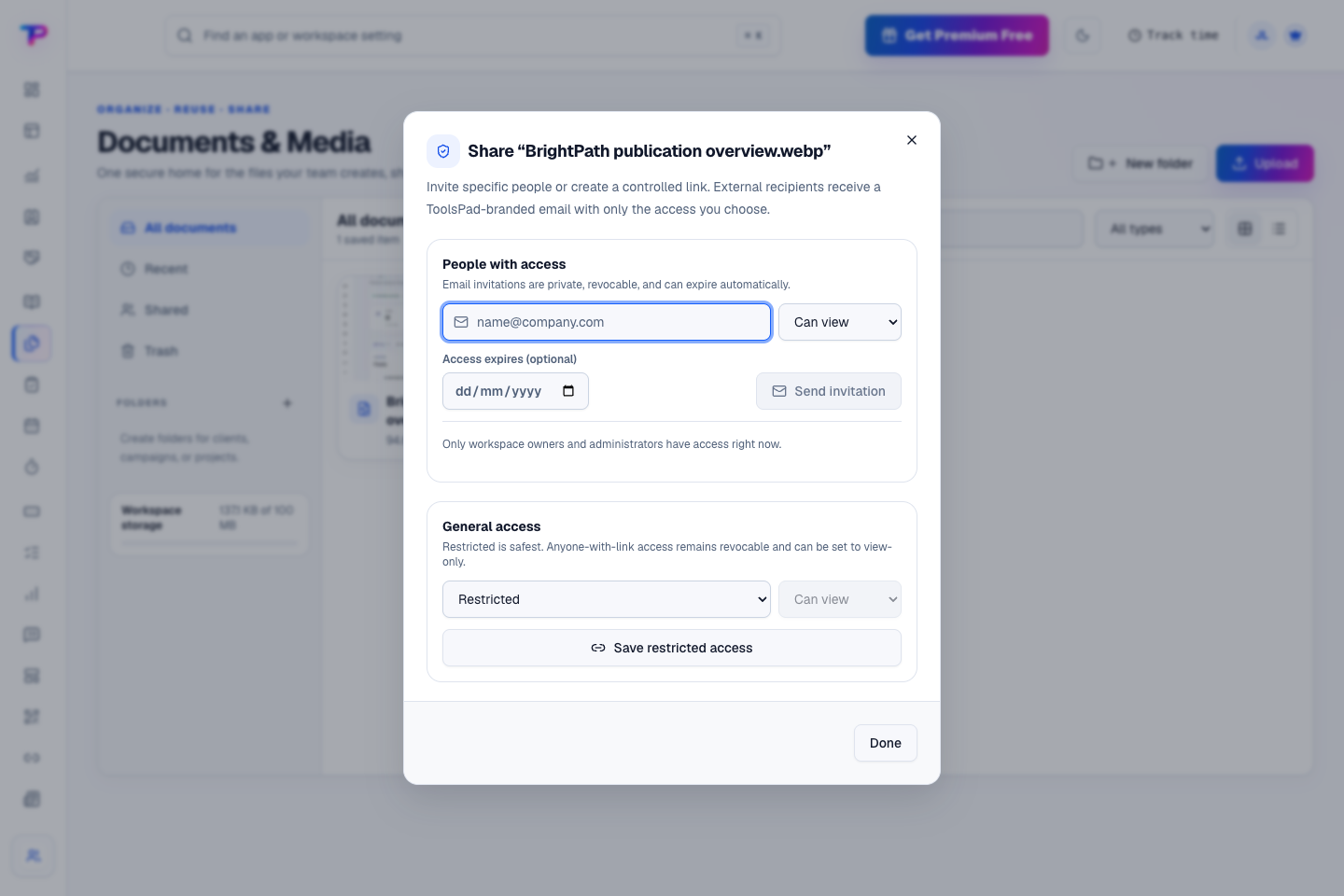
Invite specific people or create a controlled link. Choose access permissions and an expiry, with restricted access available when a file needs to stay private.
Let each ToolsPad app reuse the right asset without copying private files or losing ownership.
Build a focused page around your next offer.
Keep contacts, context and follow-ups together.
Give your expertise a place to grow.
Keep ideas, briefs and decisions easy to find.
Map ideas alongside the work they belong to.
Give every next step an owner and a deadline.
Turn website enquiries into organized leads.
Ask better questions. Learn from every response.
Let your audience help make the next decision.
See what renews before you pay again.
Turn your proposal into a clear, professional quote.
Prepare clear invoices and track their status.
Collect customer stories and publish your best proof.
Work through pricing, margins and business scenarios.
Let customers choose a time that works.
Know where the working hours are going.
Route visitors and compare campaign results.
Keep promising deals moving toward a decision.
Create branded QR codes and review their reach.
Bring useful business signals into one view.
Find, share and reuse your business files.
You’re hereMore tools. One free account.Scroll to explore, or use the arrows.
Clear answers before you create your first documents & media workflow.
No. Choose an existing library file in supported ToolsPad apps and reuse it without uploading another copy.
Yes. Create an external share with an expiry, and revoke it when access is no longer needed.
No. Removing it from the page leaves the library file in place. Deleting the original is a separate action in Documents & Media.
Yes. One free account includes all 21 ToolsPad apps within Free plan limits, unlimited human teammates, and 30 days of Premium to explore—no card required. Afterward, continue on Free or choose a paid plan for more capacity and advanced features.
Start with Documents & Media today. Add the other apps as you need them—all from the same free account.