
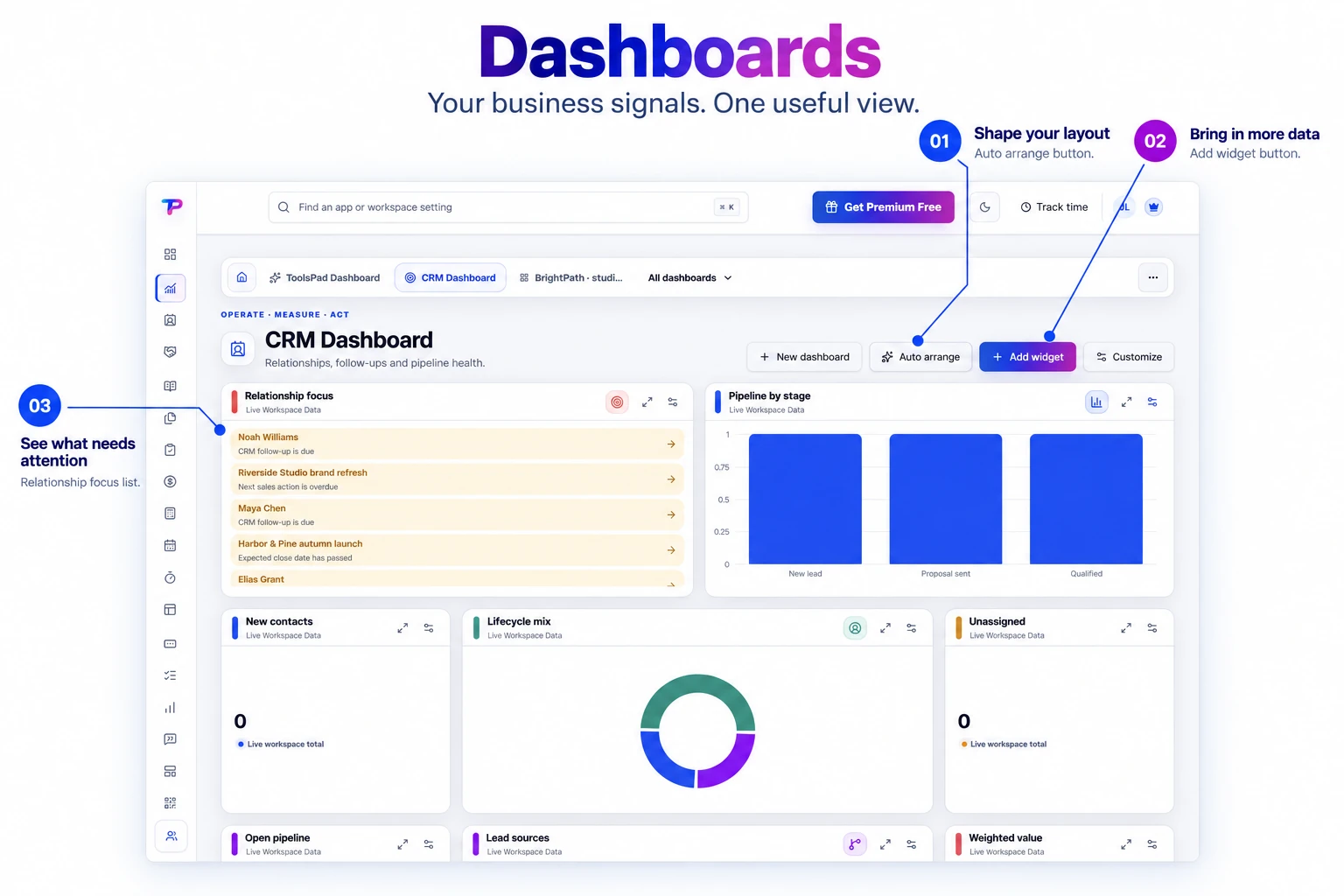
Actionable widgets
Complete tasks, capture notes, start timers, open records, and follow up without leaving the dashboard.
Build focused operating views from live ToolsPad data, useful utilities, and direct actions without copying records out of their source apps.
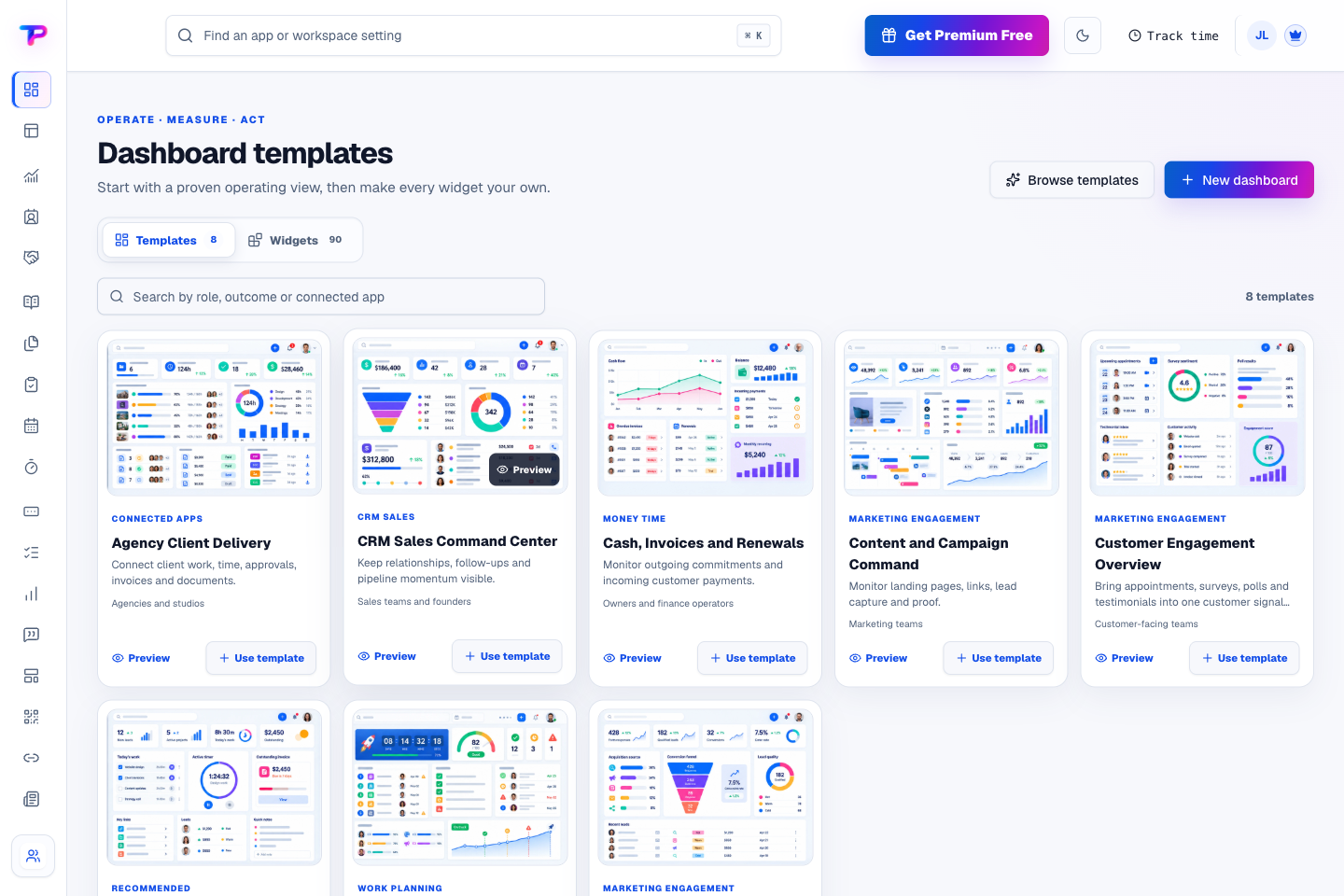
Explore ready-to-use views for client delivery, cash, campaigns, and daily work. Choose a template, then shape its widgets around the decisions you make.
Give every owner and team a calm, configurable command centre for the decisions they make most often.
Complete tasks, capture notes, start timers, open records, and follow up without leaving the dashboard.
Use permission-aware information from CRM, sales, tasks, documents, money, time, publishing, and engagement apps.
Arrange more than 100 widgets when needed, with responsive sizing, sections, keyboard controls, and clean mobile ordering.
Choose a theme, colors, and widget styles that make your team's priorities easy to read.
Start from practical operating structures or share a safe template that never includes private records or credentials.
Use responsive widget sizing and mobile ordering to keep the dashboard useful as your screen changes.
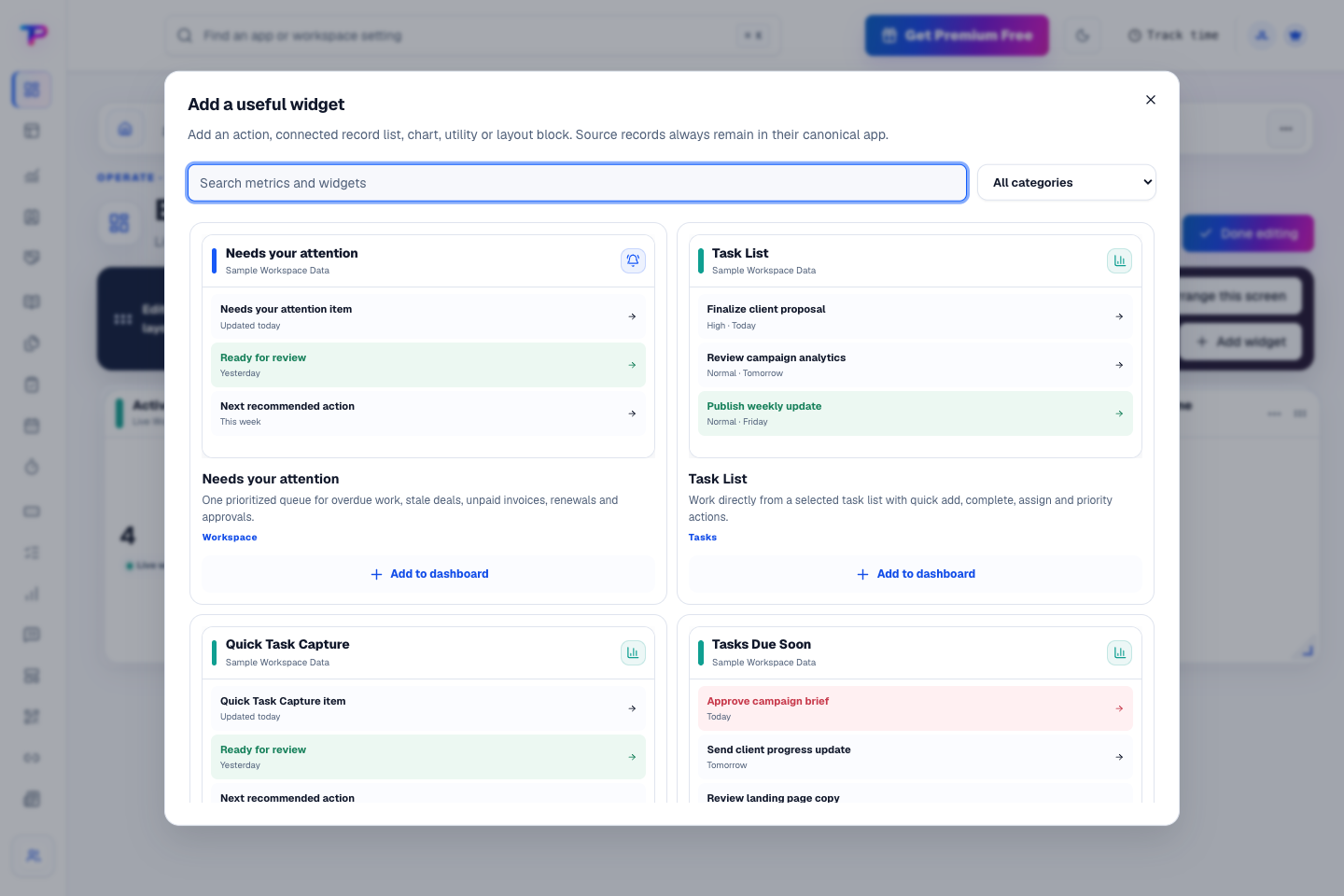
Add task lists, attention queues, charts, and useful shortcuts from the widget library. Choose the information and actions your team needs every day.
Choose a proven template or create a focused dashboard around one operating job.
Add widgets for your customers, tasks, appointments, invoices, and other ToolsPad work. Filter them for the team or time period you need.
Review what needs attention, complete work, capture a note, or open a record directly from your dashboard.
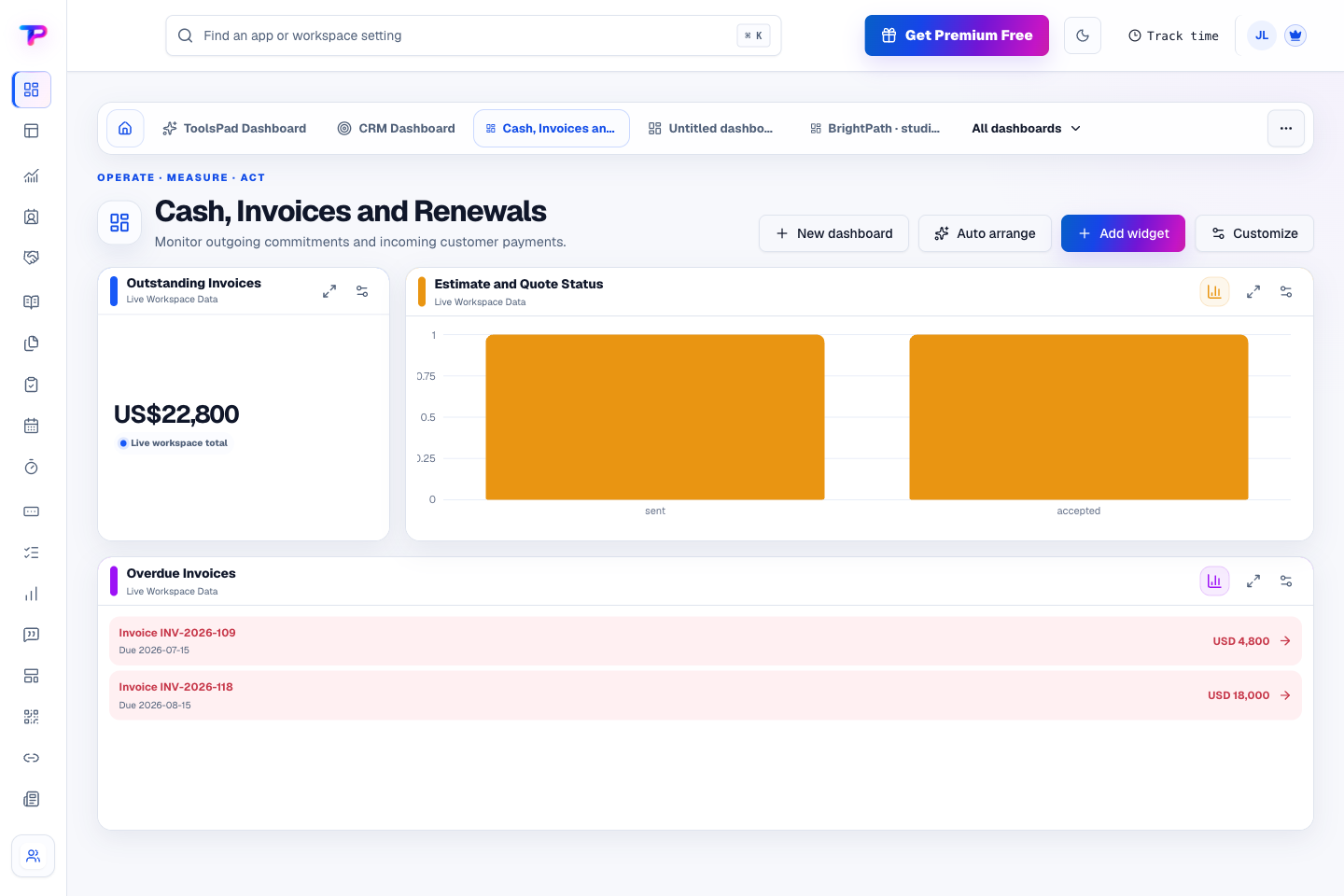
Combine outstanding invoice totals, overdue invoices, and quote status in a dashboard built for financial follow-up. Choose the signals you need instead of opening each app separately.
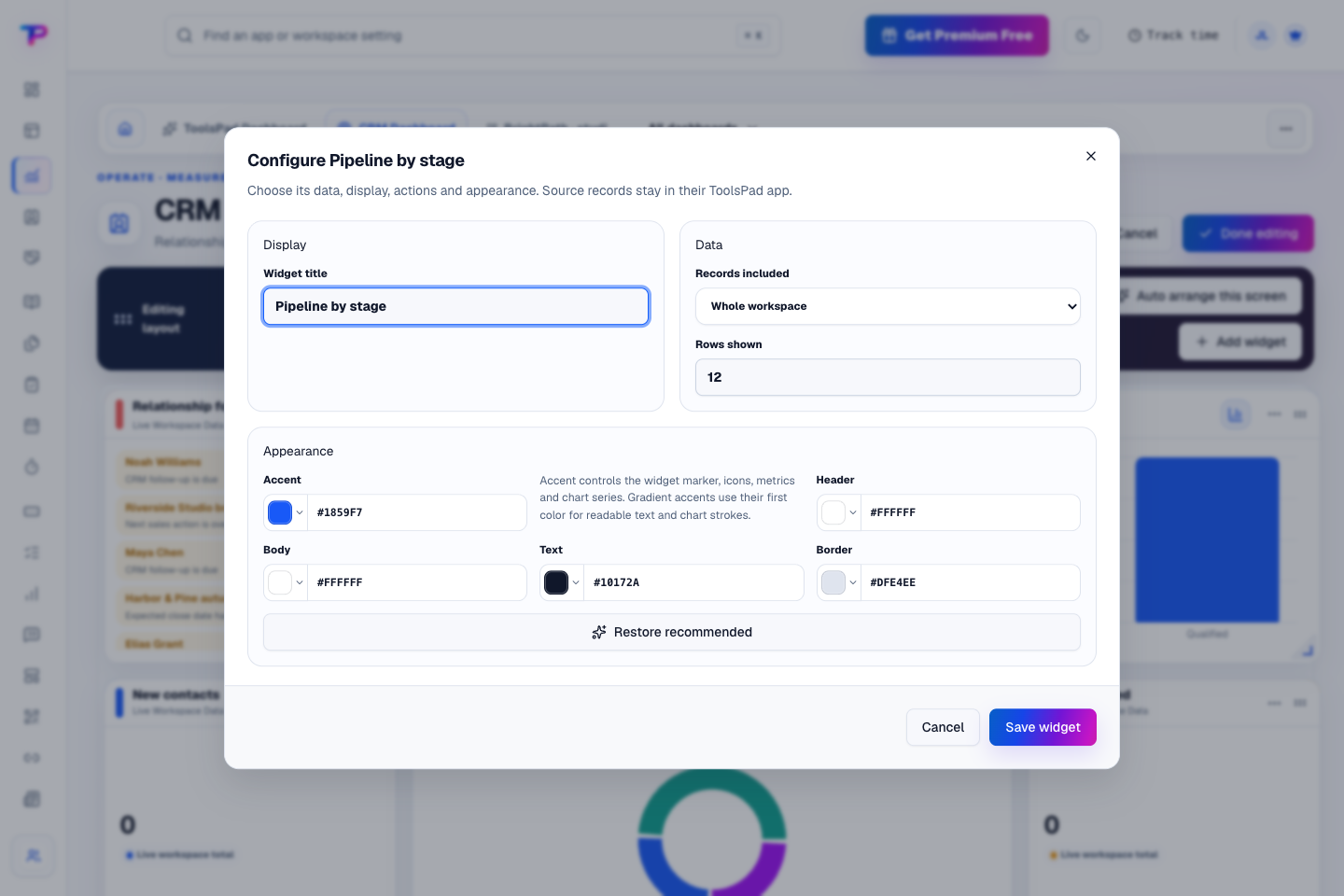
Choose the records a widget shows, give it a useful title, and adjust its colors. Shape a clear dashboard around your team's priorities.
Bring your customers, work, and money into one useful view.
Give every next step an owner and a deadline.
Keep contacts, context and follow-ups together.
Keep ideas, briefs and decisions easy to find.
Map ideas alongside the work they belong to.
Turn website enquiries into organized leads.
Ask better questions. Learn from every response.
Let your audience help make the next decision.
Build a focused page around your next offer.
See what renews before you pay again.
Turn your proposal into a clear, professional quote.
Prepare clear invoices and track their status.
Collect customer stories and publish your best proof.
Work through pricing, margins and business scenarios.
Let customers choose a time that works.
Know where the working hours are going.
Route visitors and compare campaign results.
Keep promising deals moving toward a decision.
Create branded QR codes and review their reach.
Find, share and reuse your business files.
Give your expertise a place to grow.
Bring useful business signals into one view.
You’re hereMore tools. One free account.Scroll to explore, or use the arrows.
Clear answers before you create your first dashboards workflow.
Yes. Widgets draw on your ToolsPad records, so you can review tasks, customer activity, appointments, and invoices together. Team members see information they have permission to access.
Yes. Keep focused dashboards for different business areas, pin the views you use most, and find the rest from Dashboard Home.
Yes. Share a template with your layout, widgets, and appearance. It leaves out private records, so the receiving workspace can use the structure with its own data.
Yes. One free account includes all 21 ToolsPad apps within Free plan limits, unlimited human teammates, and 30 days of Premium to explore—no card required. Afterward, continue on Free or choose a paid plan for more capacity and advanced features.
Start with Dashboards today. Add the other apps as you need them—all from the same free account.