
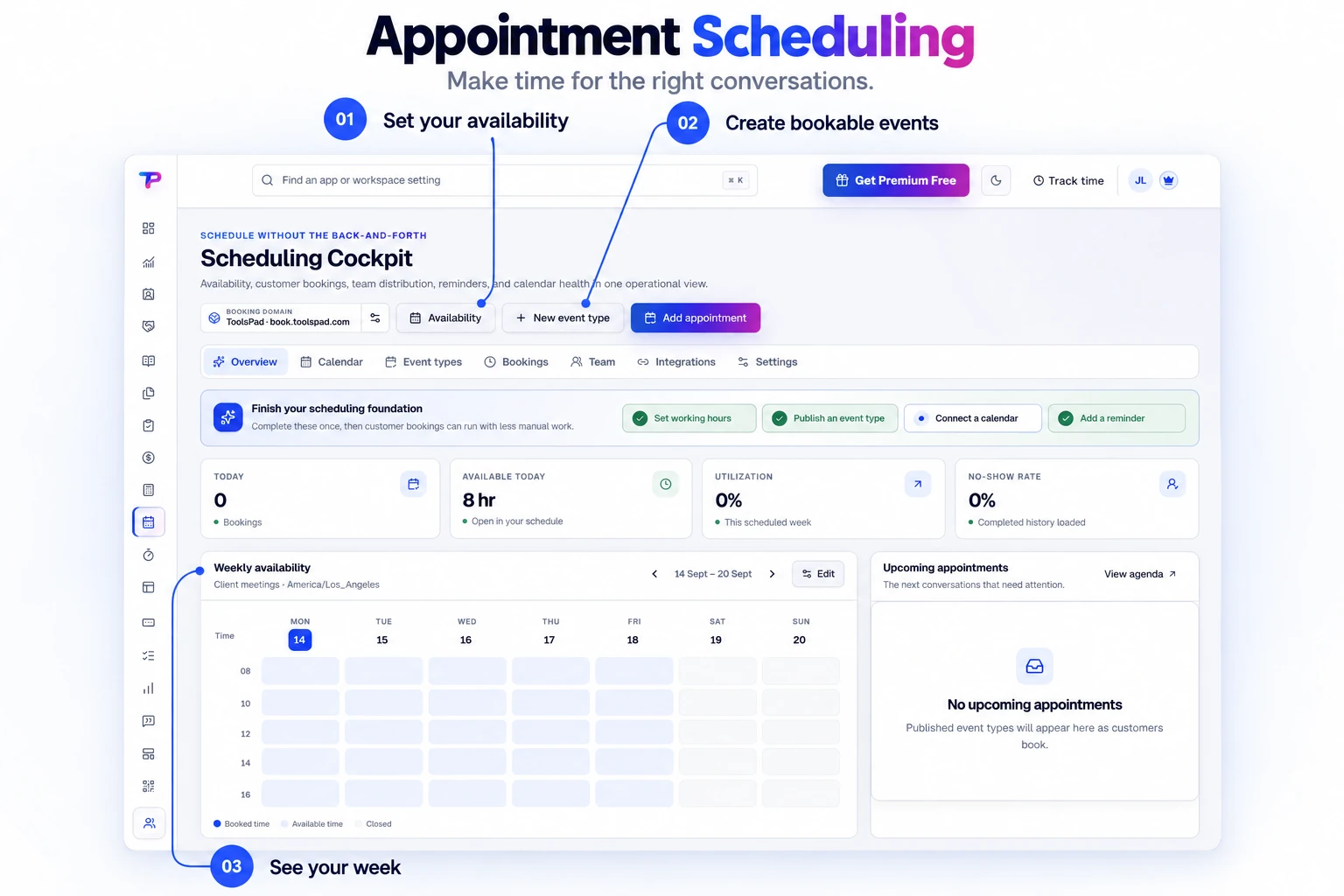
1:1 and team scheduling
Offer individual, group, collective, or round-robin appointments without creating a complicated enterprise setup.
Publish polished booking pages, coordinate individual and team availability, prevent conflicts across connected calendars, and keep every appointment moving with automatic reminders.
Start from a calendar overview and prepare your scheduling setup. Keep the time you offer and the appointments you manage in one workspace.
Fewer scheduling emails, fewer missed meetings, and one dependable booking workflow for your whole business.
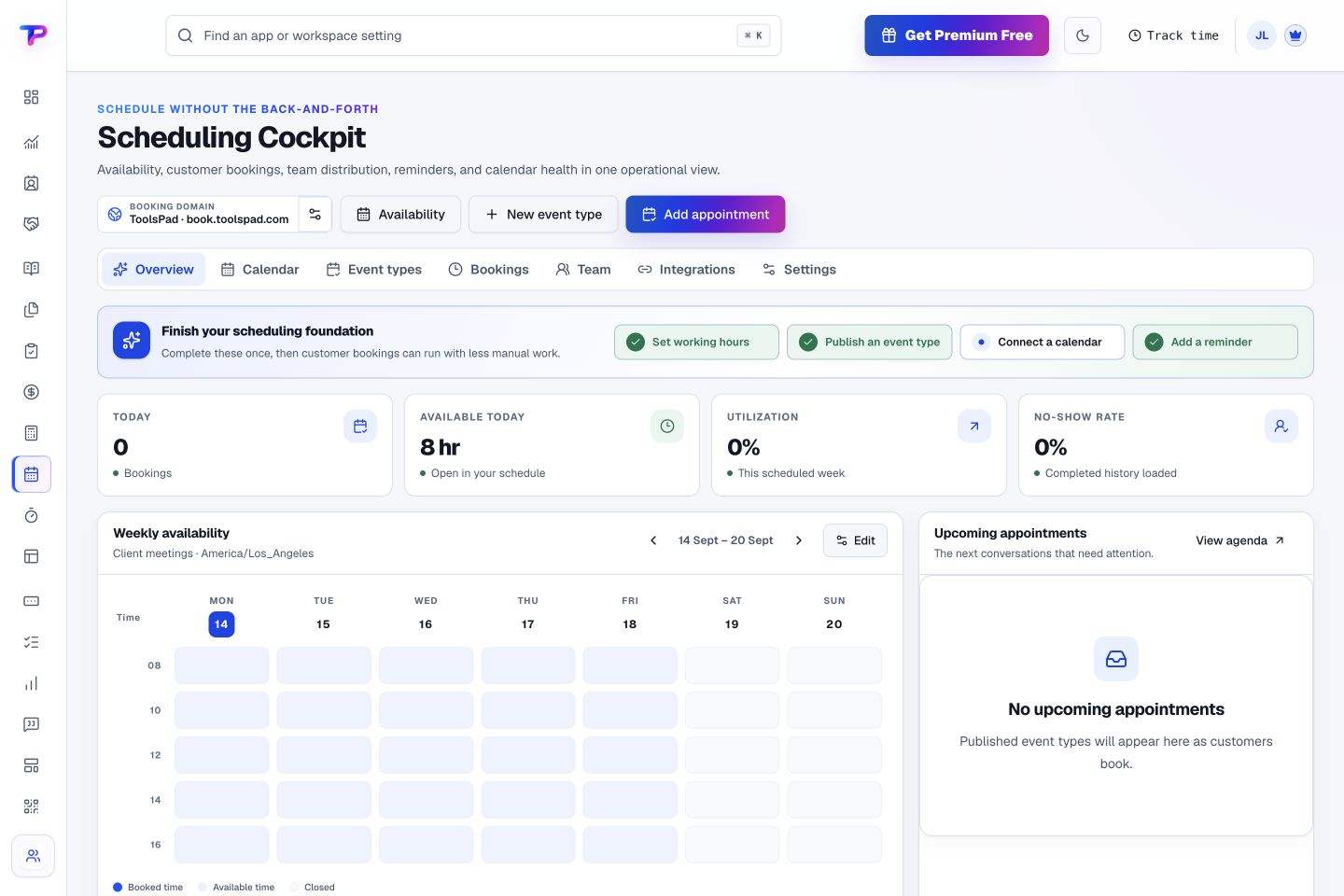
Offer individual, group, collective, or round-robin appointments without creating a complicated enterprise setup.
Check real availability, avoid conflicts, and write confirmed appointments back to the calendars your team already uses.
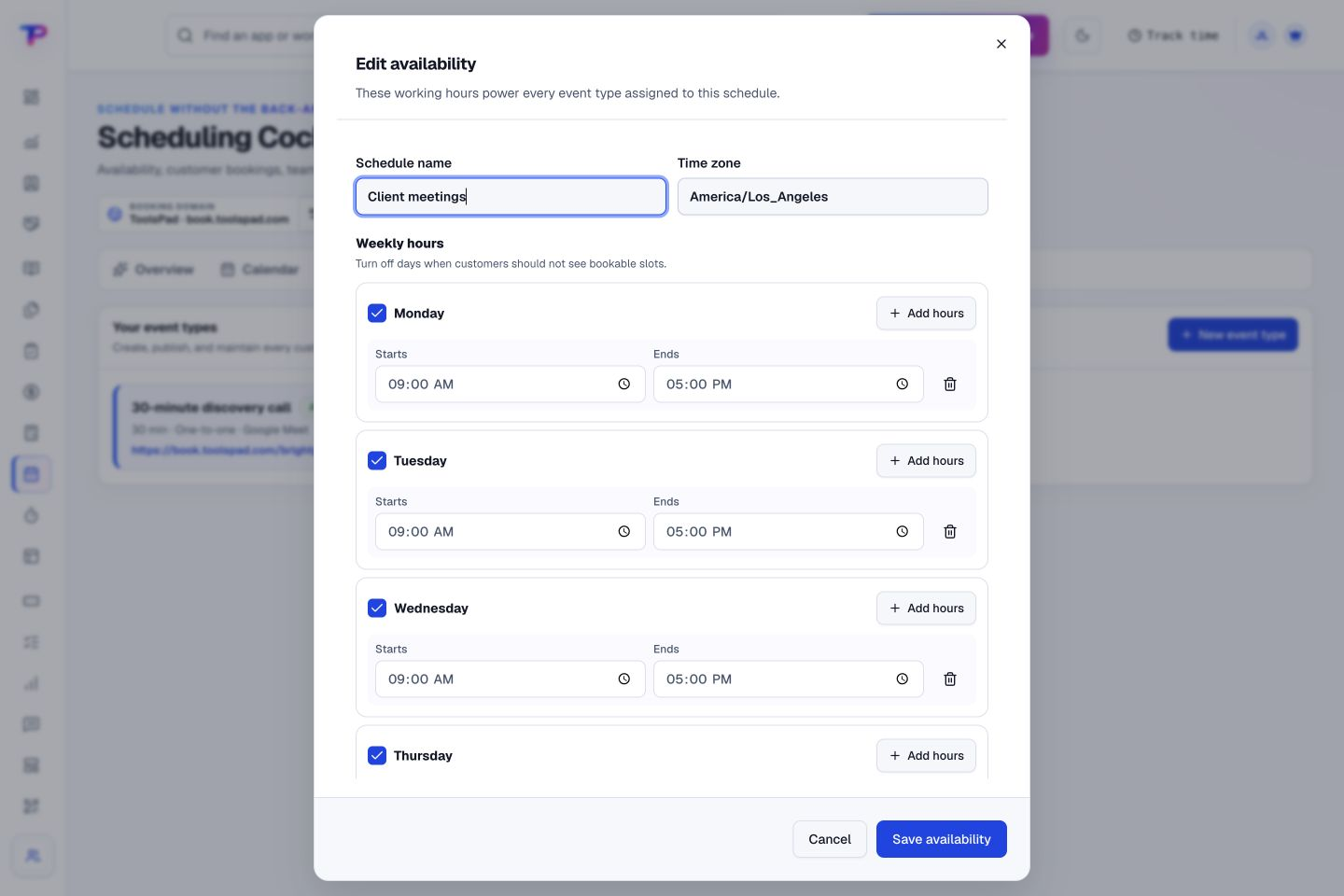
Set working hours, buffers, notice periods, booking horizons, date overrides, and time off in each appointment schedule’s time zone.
Send dependable confirmations, updated-time emails, and scheduled reminders from one controlled appointment record. Optional workflows can handle cancellation follow-up.
Share a focused, mobile-ready booking page that presents the meeting, location, and available times clearly.
Connect bookings to Leads, Tasks, QR Codes, and Landing Pages while keeping workspace permissions consistent.
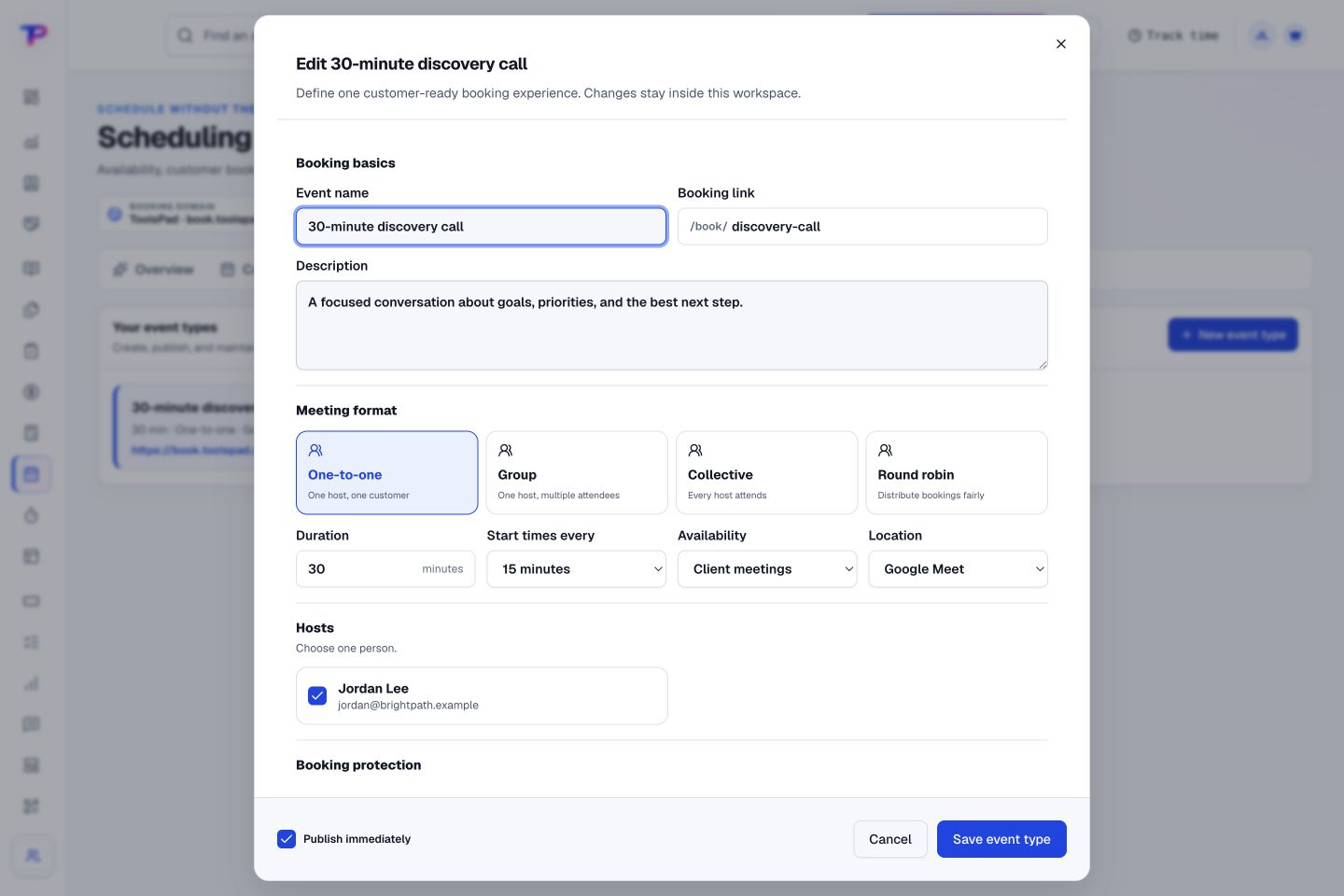
Choose the meeting format, duration, and host before sharing the event. Set expectations for a discovery call, consultation, or team conversation.
Set duration, location, hosts, questions, buffers, limits, and reminder rules.
Use Google or Microsoft calendars and apply working hours, notice, and conflict rules.
Share a branded booking page, then connect the confirmed appointment to CRM and follow-up.
Set the schedule, time zone, and working hours in one availability editor. Define when people can book around the way you work.
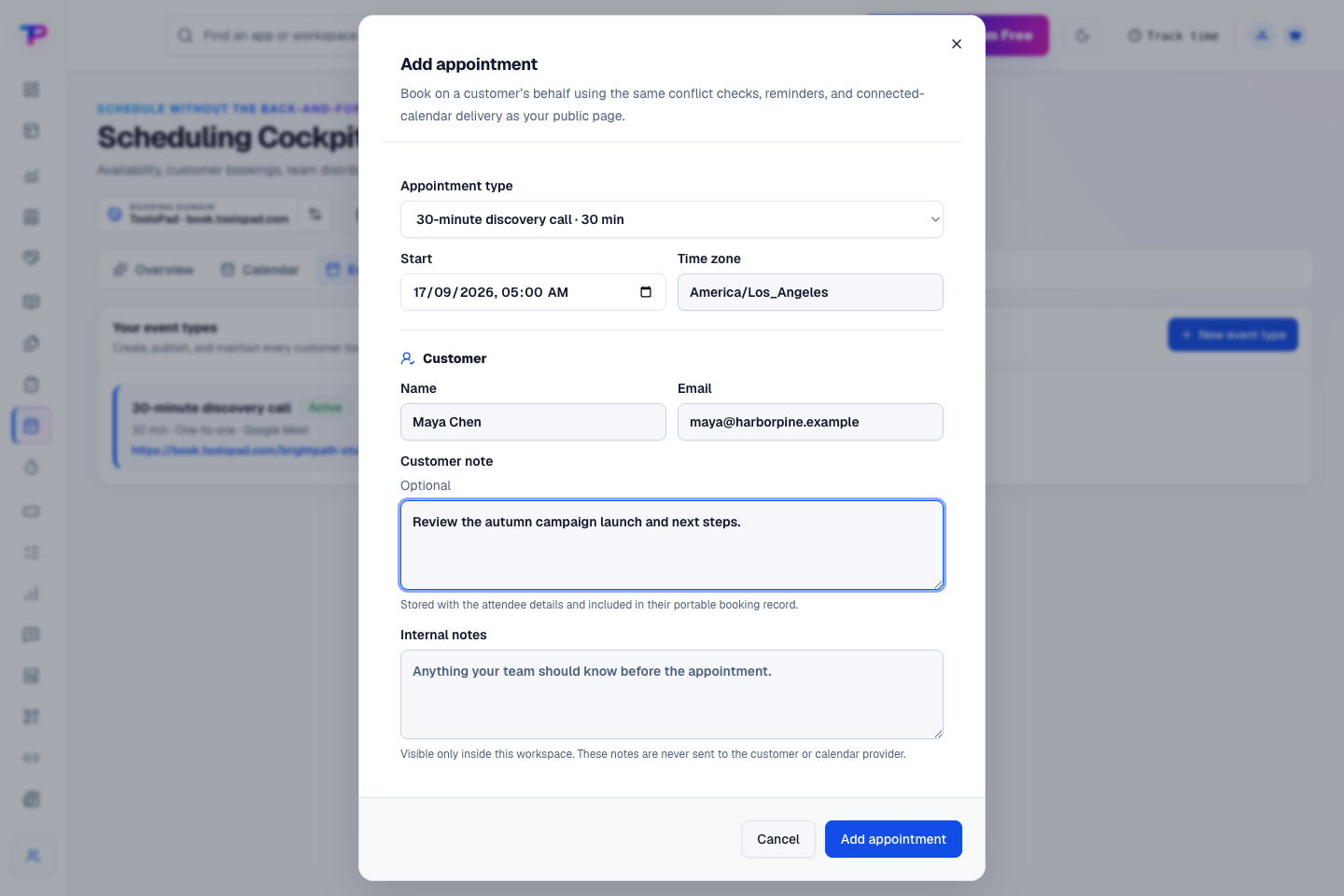
Arrange a meeting directly when a customer calls or messages you. Keep their details and a useful meeting note together as you prepare the booking.
Keep every booking attached to the customer and the work that follows.
Give every next step an owner and a deadline.
Know where the working hours are going.
Keep contacts, context and follow-ups together.
Keep ideas, briefs and decisions easy to find.
Map ideas alongside the work they belong to.
Turn website enquiries into organized leads.
Ask better questions. Learn from every response.
Let your audience help make the next decision.
Build a focused page around your next offer.
See what renews before you pay again.
Turn your proposal into a clear, professional quote.
Prepare clear invoices and track their status.
Collect customer stories and publish your best proof.
Work through pricing, margins and business scenarios.
Route visitors and compare campaign results.
Keep promising deals moving toward a decision.
Create branded QR codes and review their reach.
Bring useful business signals into one view.
Find, share and reuse your business files.
Give your expertise a place to grow.
Let customers choose a time that works.
You’re hereMore tools. One free account.Scroll to explore, or use the arrows.
Clear answers before you create your first appointment scheduling workflow.
Connect Google Calendar or Microsoft 365 to check availability and add confirmed appointments to the calendars your team already uses.
Booking pages do not currently collect payments. You can arrange payment separately and use Invoice Maker to prepare a customer invoice.
Yes. You can require several hosts, offer a group session, or assign one available host through round-robin scheduling.
Yes. One free account includes all 21 ToolsPad apps within Free plan limits, unlimited human teammates, and 30 days of Premium to explore—no card required. Afterward, continue on Free or choose a paid plan for more capacity and advanced features.
Start with Appointment Scheduling today. Add the other apps as you need them—all from the same free account.