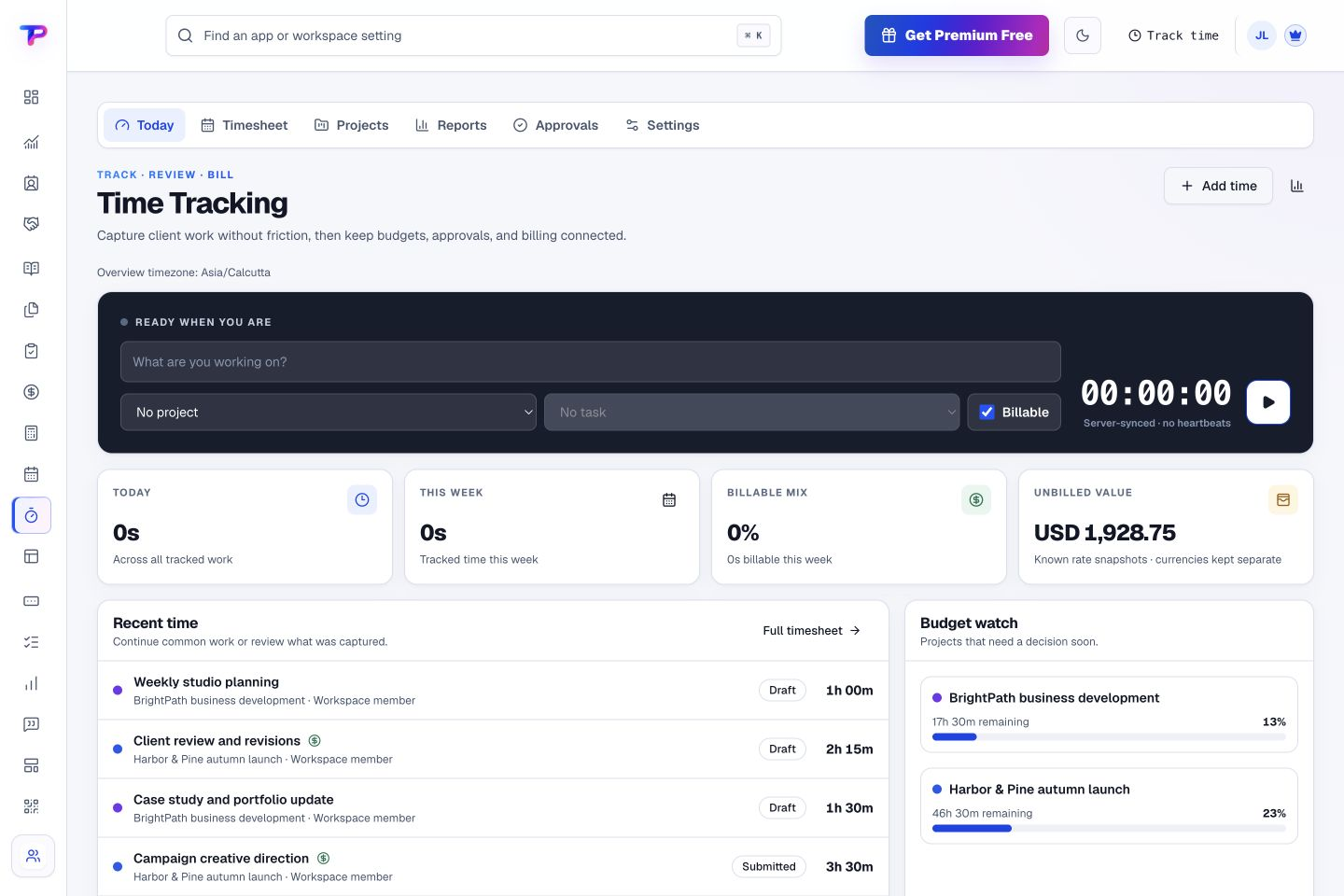
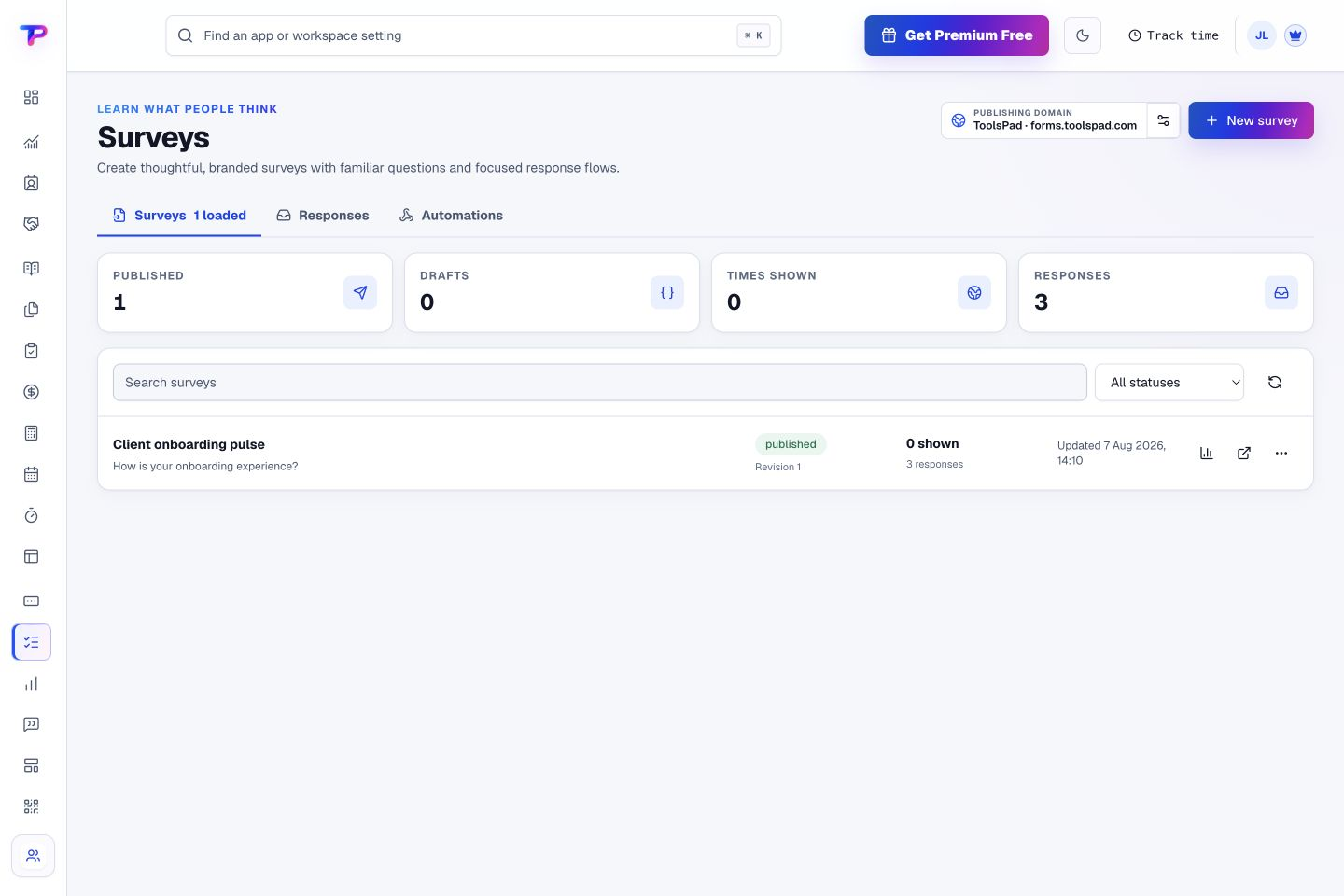
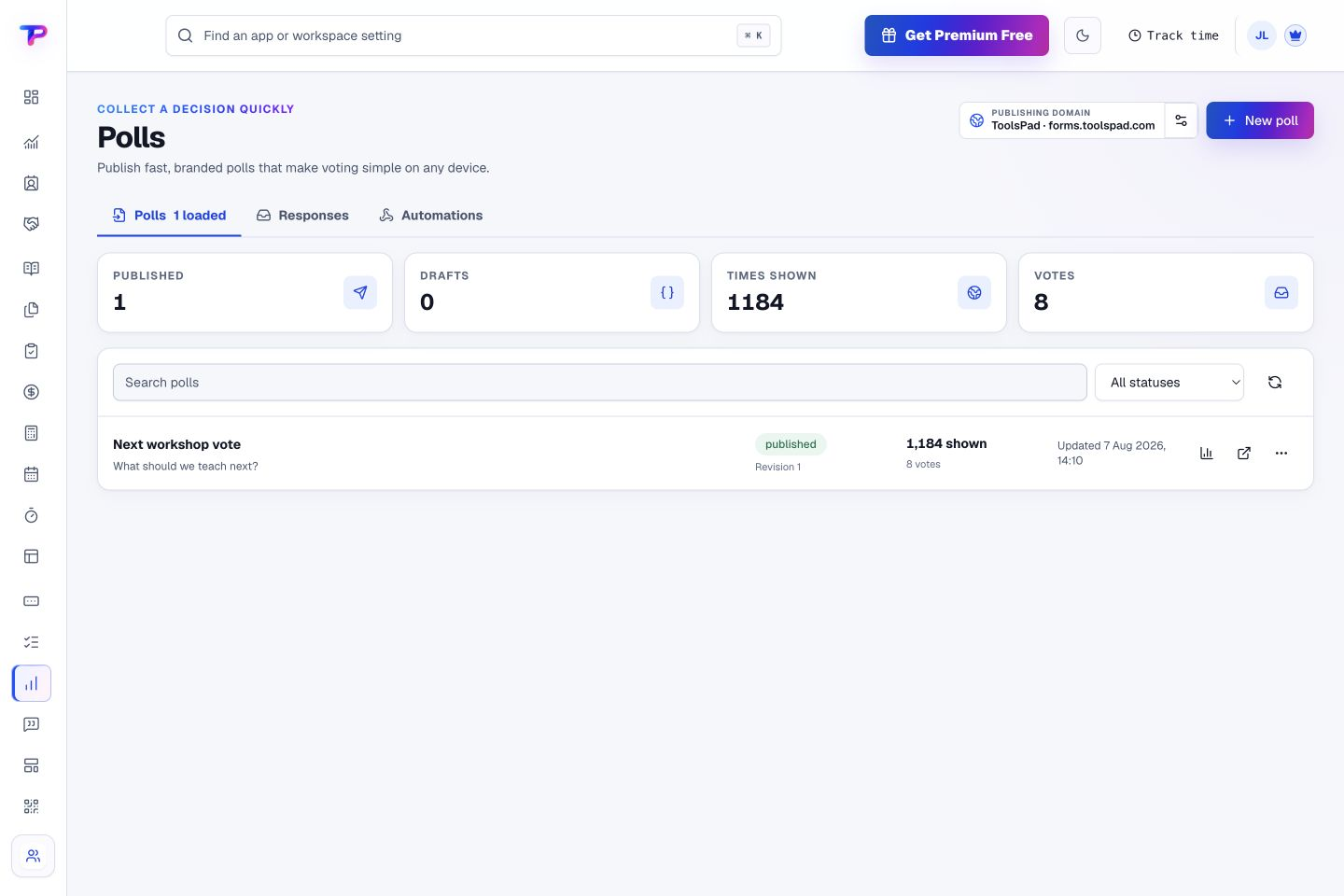
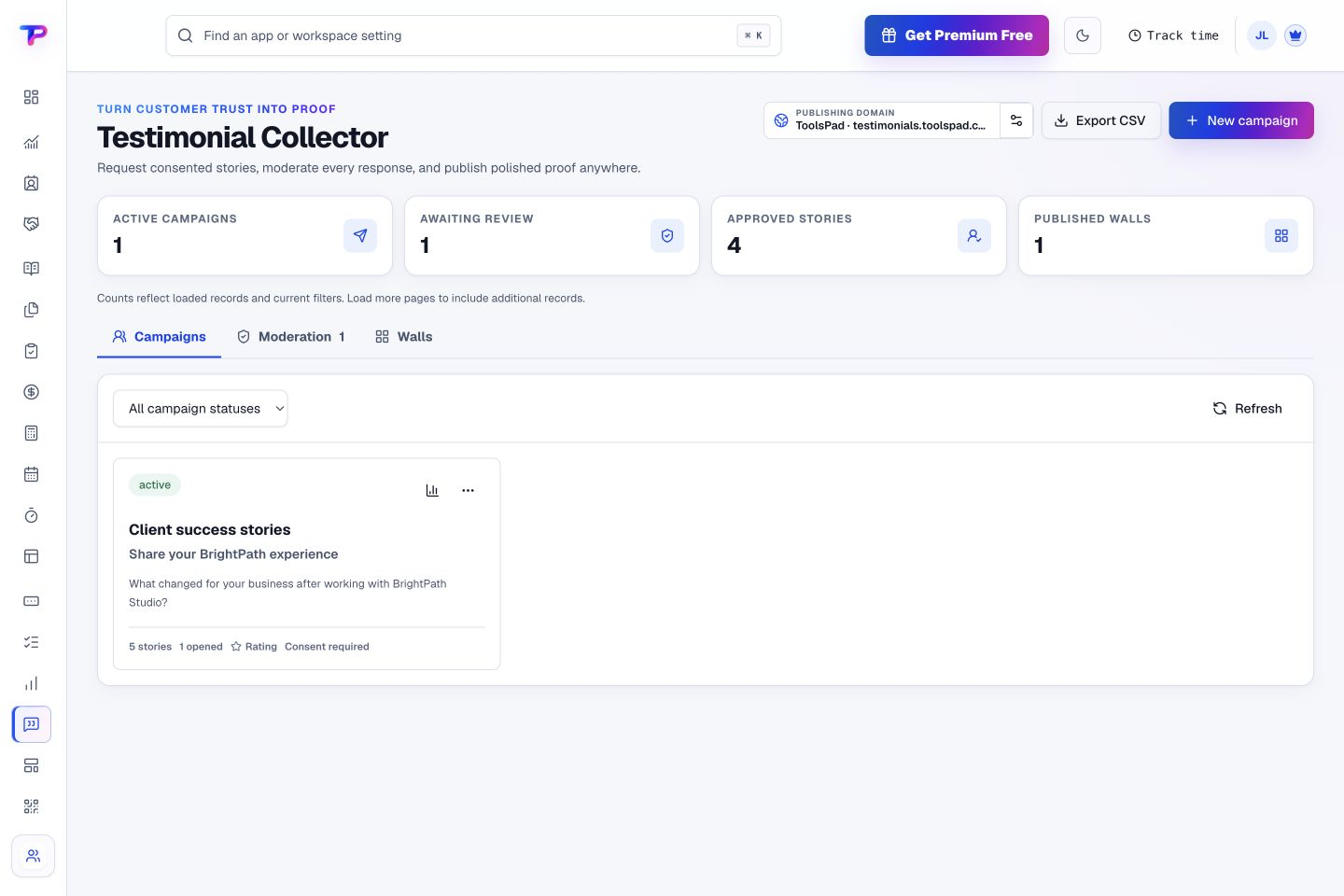
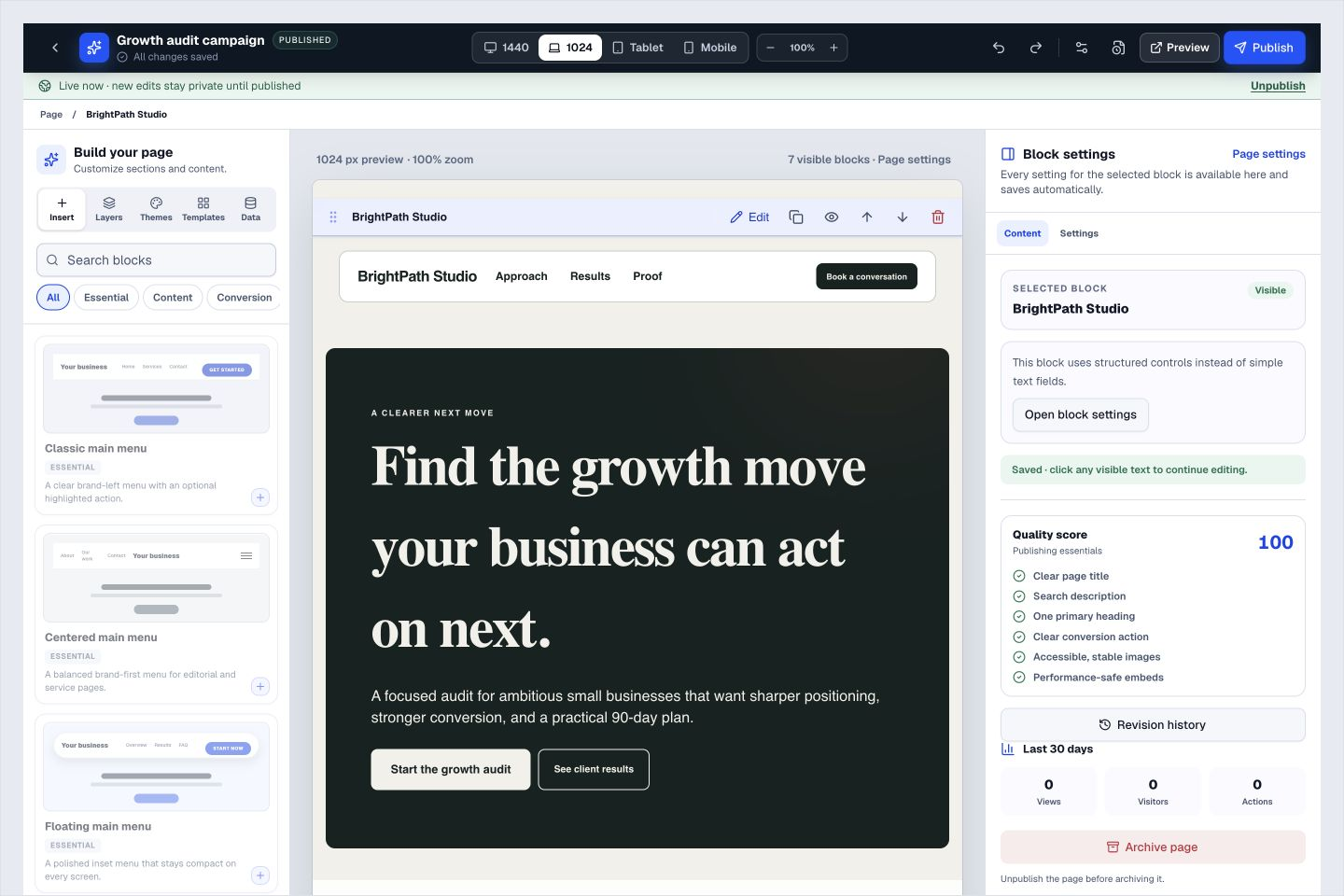
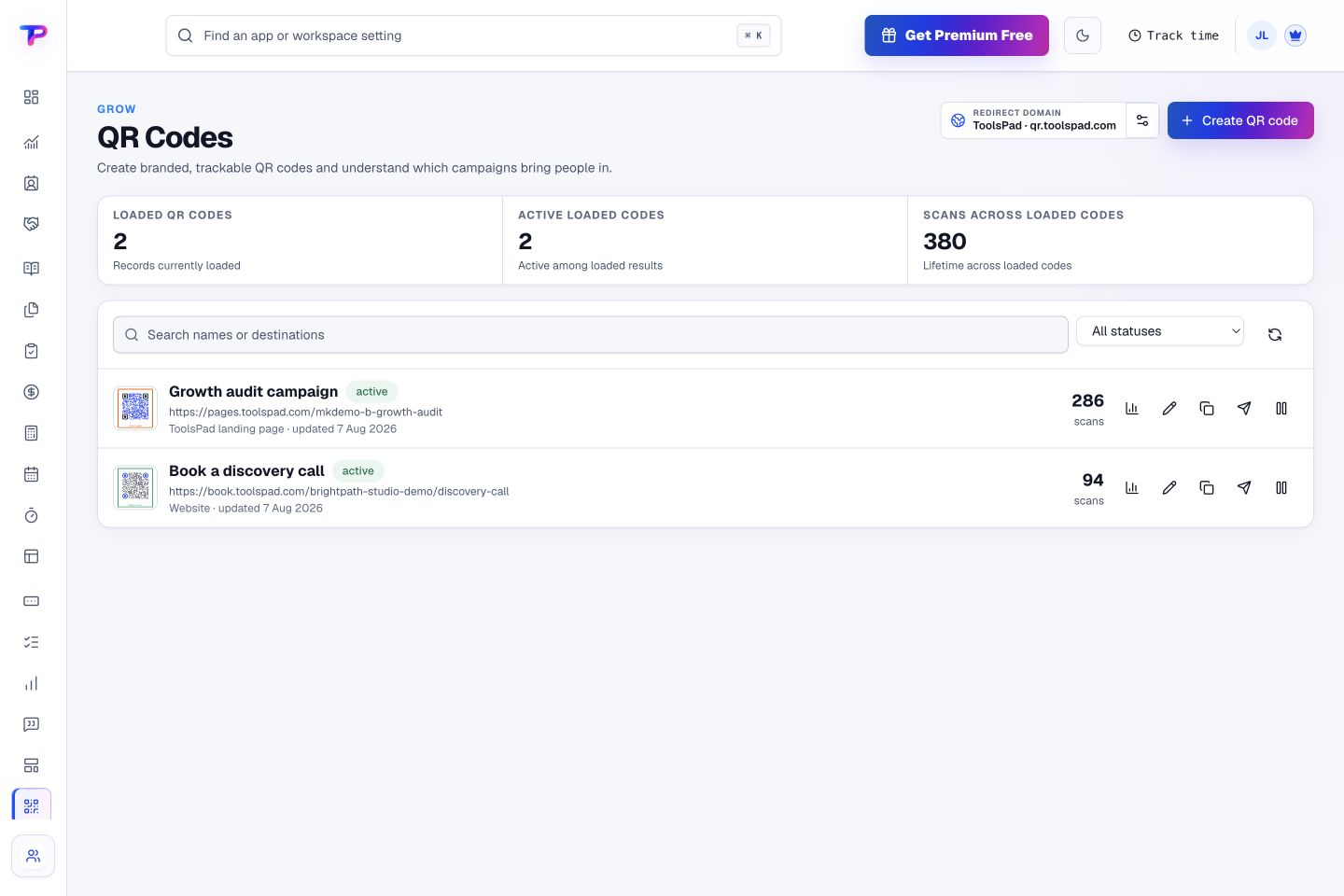
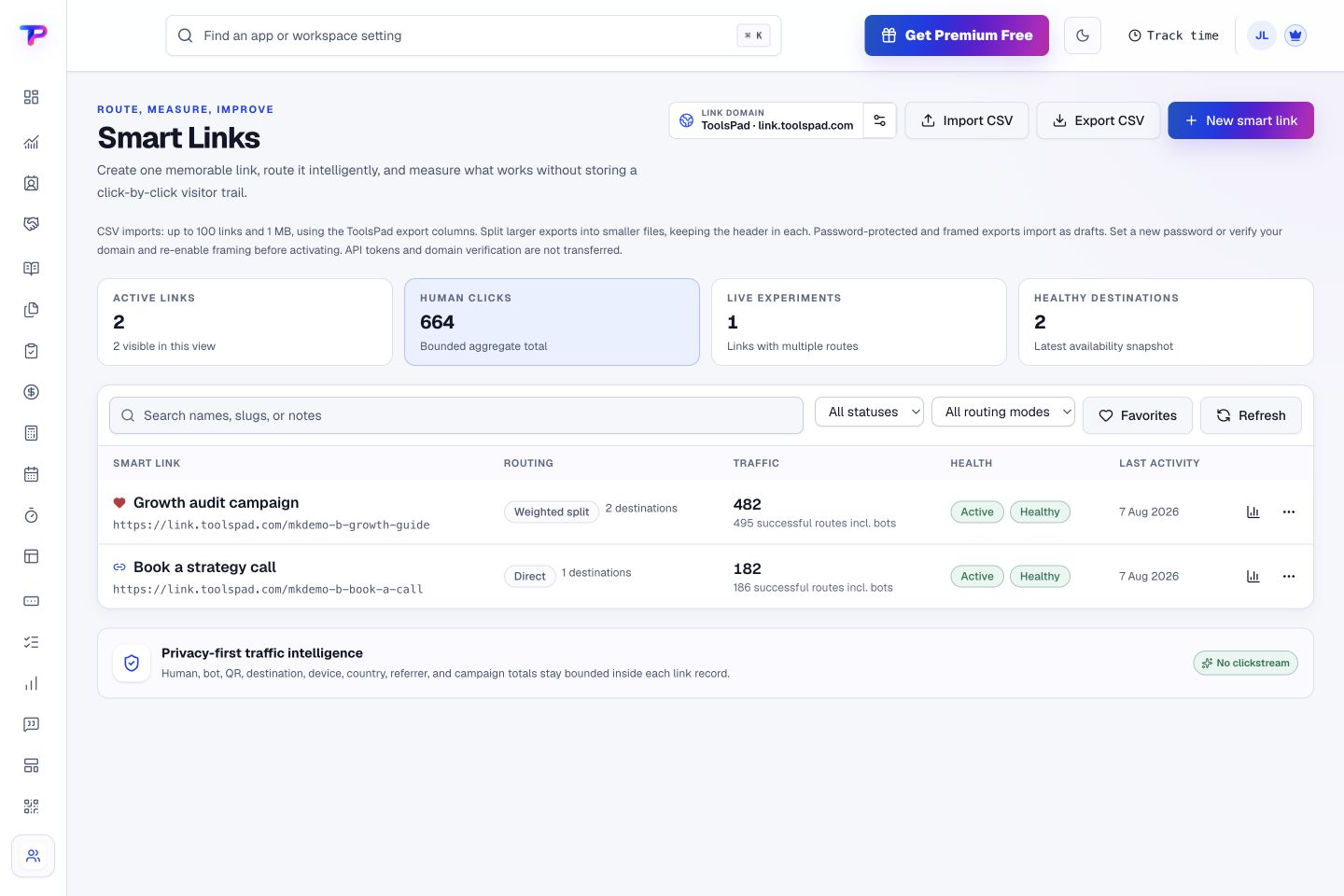
Run your whole businessin one place—withCRMNotes, Whiteboards, Tasks, Lead Forms, Surveys, Polls, Landing Pages, Subscription Tracker, Estimates & Quotes, Invoice Maker, Testimonial Collector, Business Calculators, Appointment Scheduling, Time Tracking, Smart Links, CRM, Opportunities, QR Code Generator, Dashboards, Documents & Media, Blogs.
Your customers in one app. Your tasks in another. Your invoices somewhere else. Bring it all together with 21 connected apps, and get back to the work you love.
30 days of Premium includedNo card requiredFree plan afterward
One dashboard. One team. One connected customer journey.Customer context moves forward instead of being copied between tools.
One account. Room for every business.
Your business has a home. Your whole team belongs here.
A workspace is a dedicated home for one business. Keep its people, apps and records together—and separate from every other business you run.
01 / KEEP BUSINESS SEPARATE
One business. One workspace.
Run your agency, side project or client business in its own workspace. Switch between them from one account, without mixing customer records or team access.
S Your studio Workspace 01
C Client business Workspace 02
02 / BRING EVERYONE
Unlimited teammates. Even on Free.
Invite the people who make your business work. Every workspace supports unlimited human users on every plan, including Free.
YouAMJLRK+
More collaboration. No per-seat bill.
03 / BUILD ONCE. HAND IT OVER.
Your best work. Ready to transfer.
Build supported items in your workspace, then copy or move them to another business you own or hand them over to a client’s workspace through the transfer system.
Your workspace→Client workspace
Keep the handoff inside ToolsPad.
The complete app collection
Less tool-hopping. More getting things done.
All 21 apps, right here. Scroll through real product views, find the job you want to make easier, and start with a free account.
Suite 01
Dashboards & Whiteboards Connected by design.
See your business clearly and turn ideas into visual plans. Each app stays focused while the customer, project, and next action can move with the work.
Business visibility & action
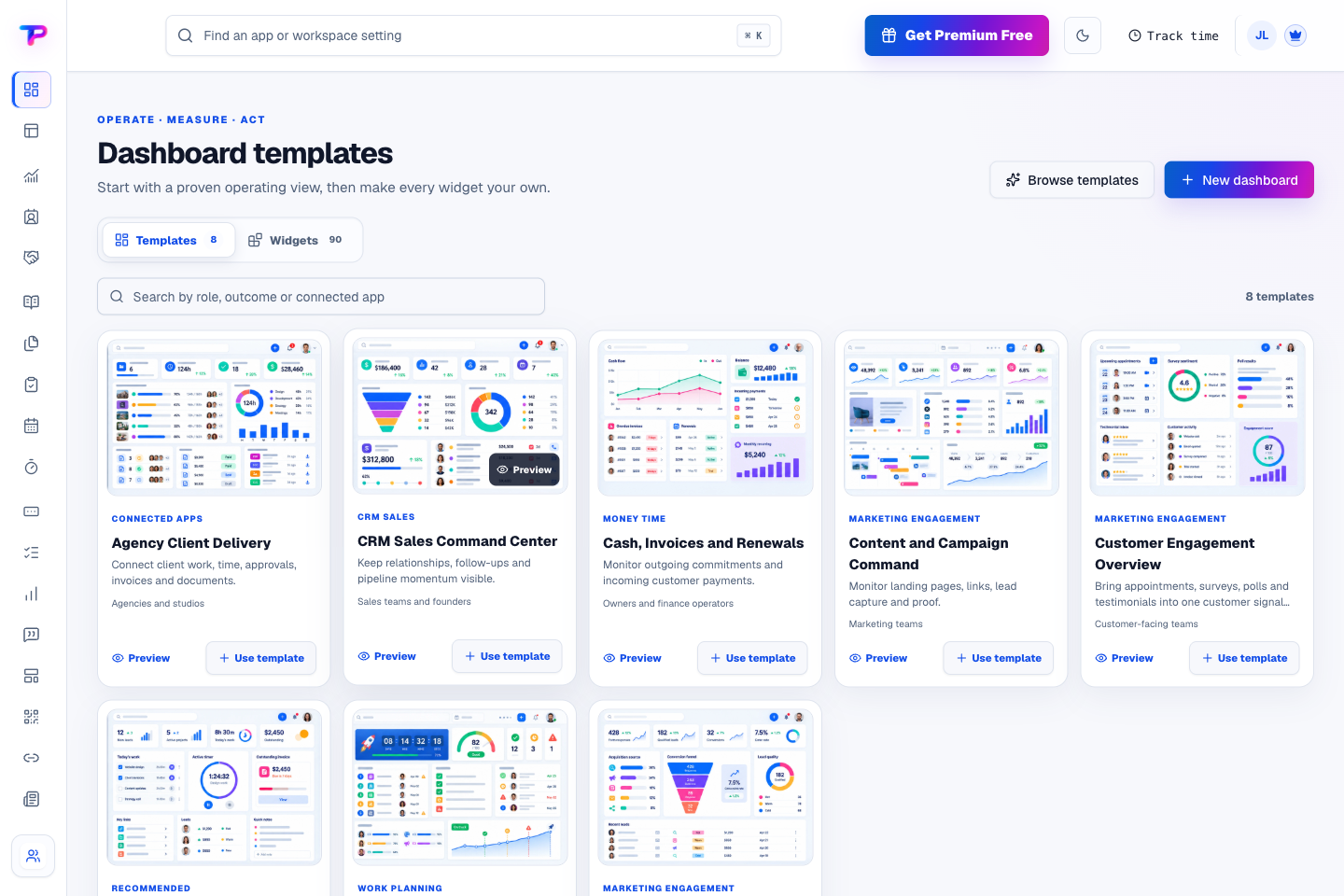
Dashboards
See priorities, performance, and direct actions in one configurable operating view.
Give every owner and team a calm, configurable command centre for the decisions they make most often.
Actionable widgets. Complete tasks, capture notes, start timers, open records, and follow up without leaving the dashboard.
Live connected data. Use permission-aware information from CRM, sales, tasks, documents, money, time, publishing, and engagement apps.
Flexible visual layout. Arrange more than 100 widgets when needed, with responsive sizing, sections, keyboard controls, and clean mobile ordering.
Connected with: CRM · Tasks · Invoices. Surface relationships, follow-ups, pipeline health, and stale work without copying customer records.
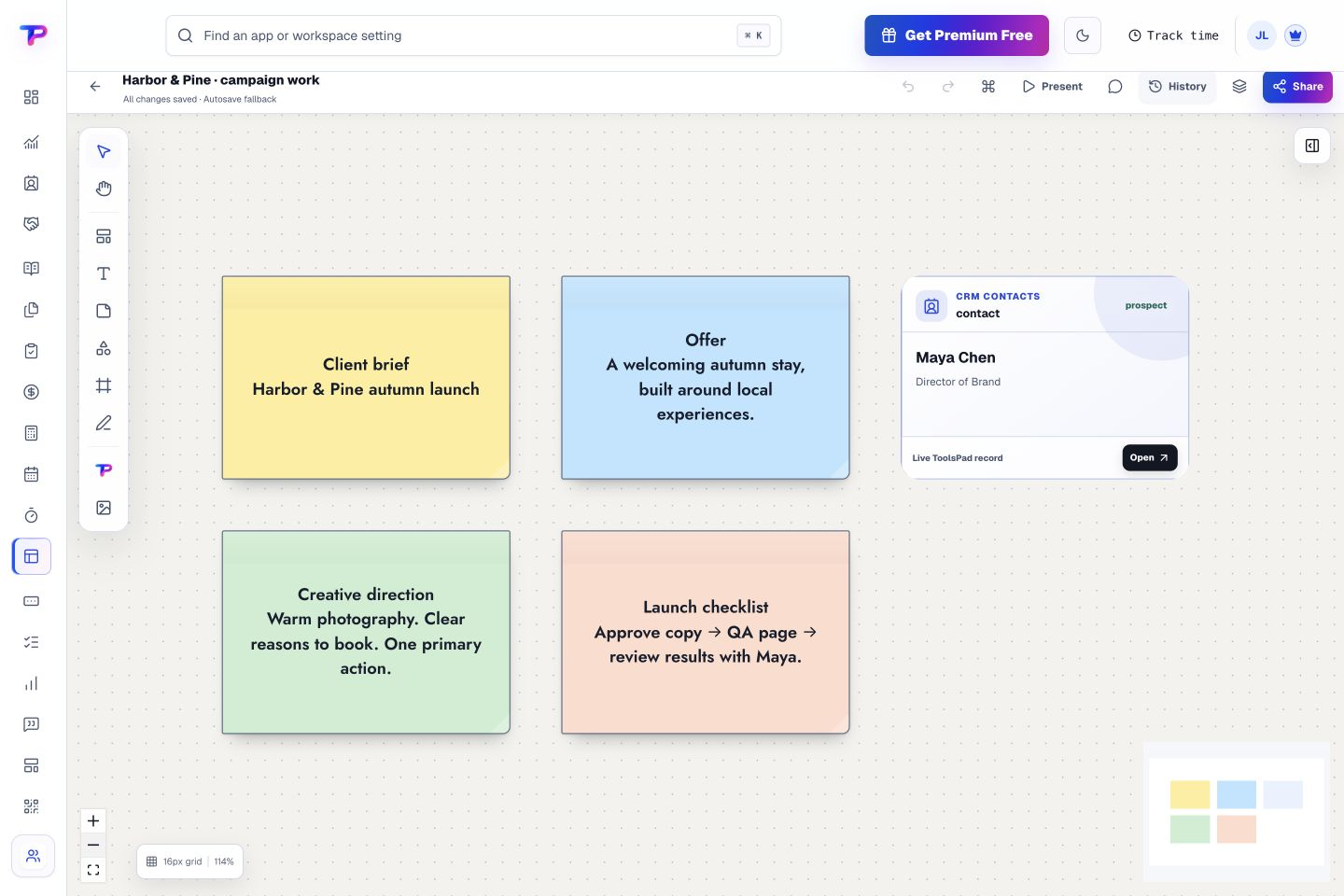
Map ideas, processes, and live ToolsPad records on one collaborative canvas.
See the whole situation, connect what matters, and move from scattered context to a shared plan.
Room for the whole idea. Pan and zoom across an expansive canvas, then use frames and groups to make even a detailed plan easy to navigate.
Diagrams and visual thinking. Combine text, sticky notes, shapes, freehand drawing, mind maps, flowcharts, wireframes, tables, and expressive connectors.
Live ToolsPad records. Place contacts, opportunities, notes, tasks, forms, surveys, invoices, pages, QR codes, and other ToolsPad work on the board as linked records—not copied data.
Connected with: CRM · Opportunities · Notes & Tasks. Place a contact or company inside a customer journey without duplicating its profile.
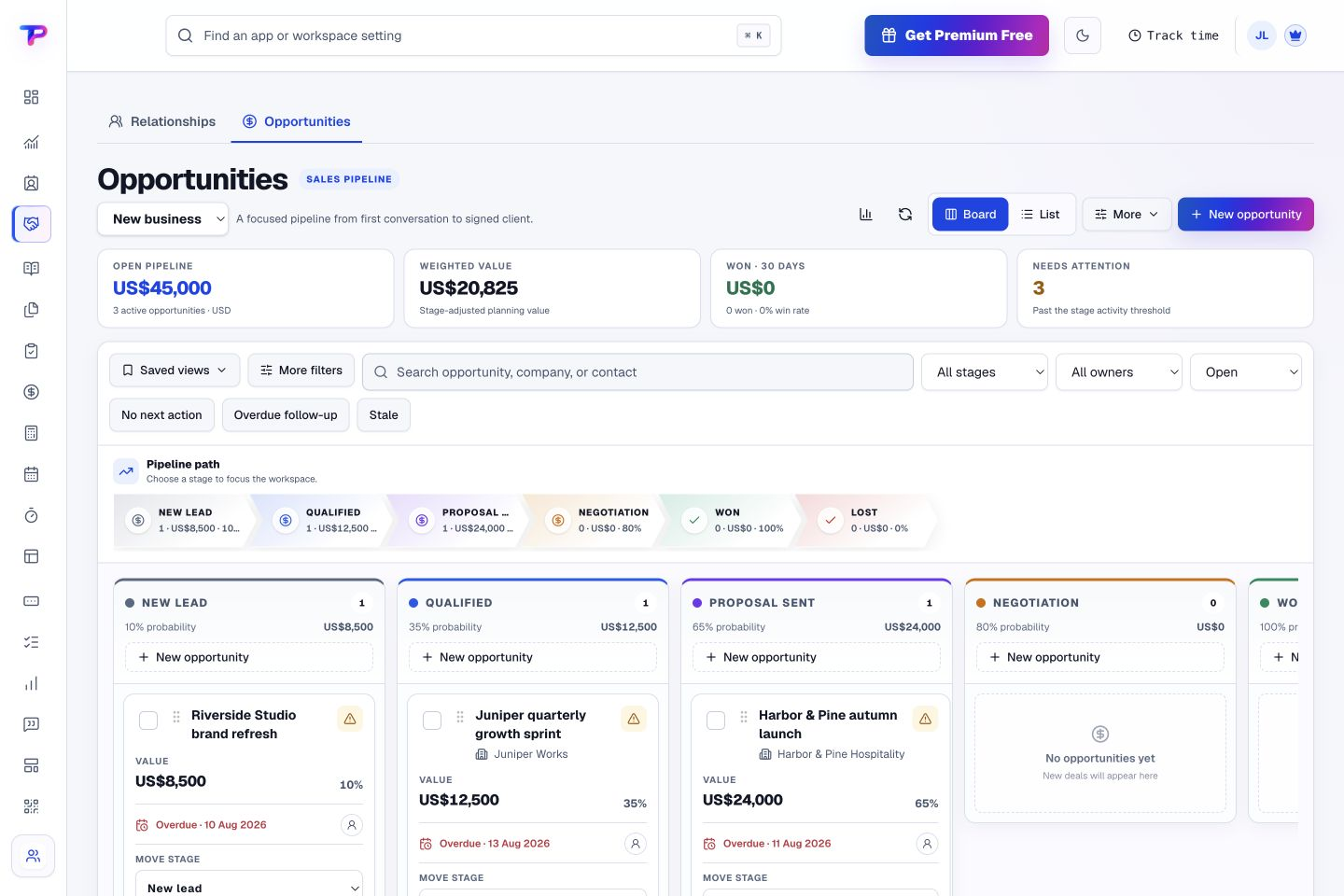
Keep contacts, customer relationships, and opportunities connected. Each app stays focused while the customer, project, and next action can move with the work.
Contacts & customer context
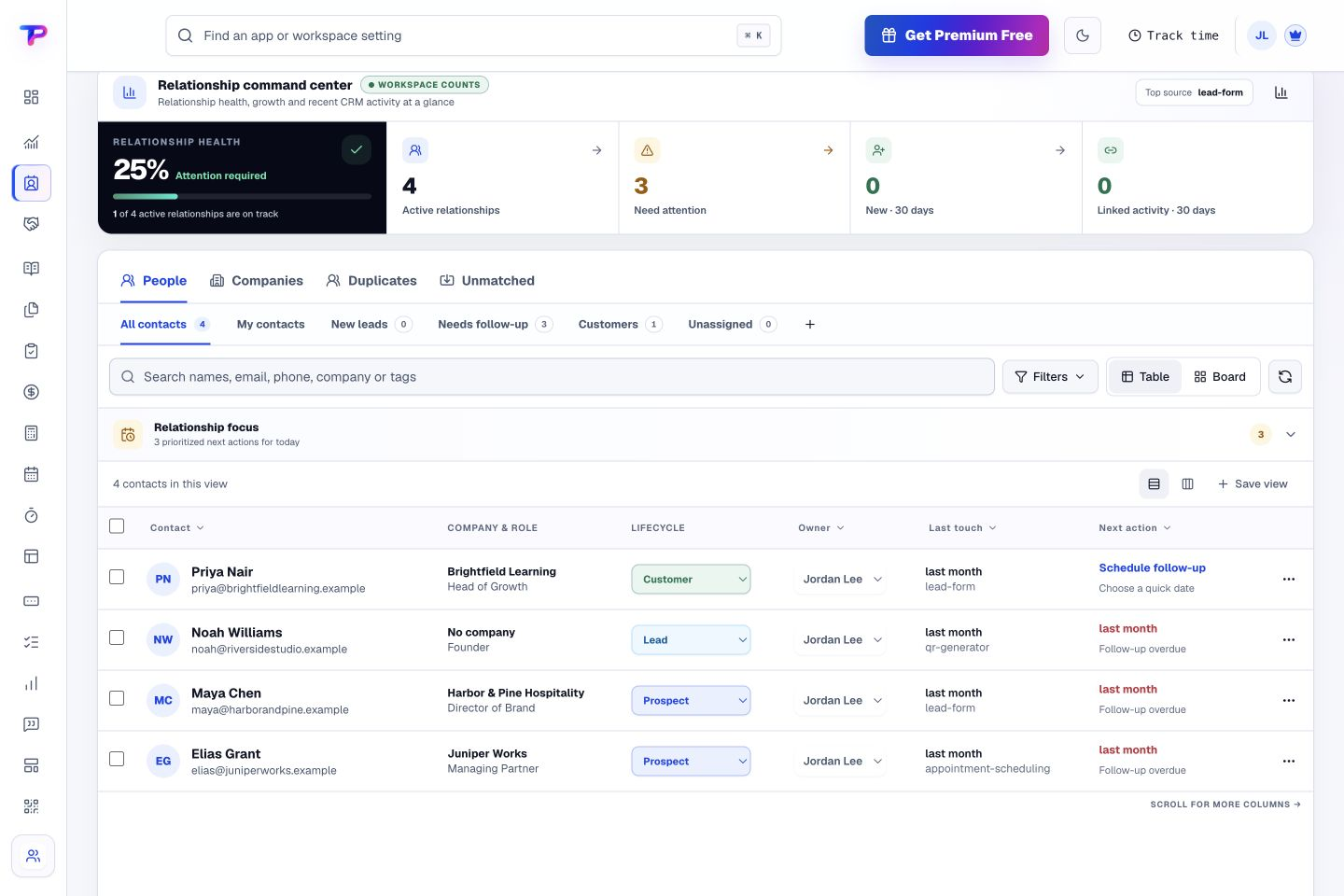
CRM
Keep contacts, companies, follow-ups, and customer context together.
Know who every customer is, what happened, and what should happen next—from one calm workspace.
Contacts and companies. Keep people, their roles, companies, contact methods, owners, lifecycle, and global workspace tags together.
One useful timeline. See linked forms, appointments, notes, tasks, testimonials, estimates, and invoices without copying their data into CRM.
Beginner-ready filters. Switch quickly between all contacts, your contacts, new leads, follow-ups, customers, and unassigned records—then save advanced filters when needed.
Connected with: Lead Forms · Opportunities · Tasks & Appointments. Turn identified enquiries into deduplicated contacts with their source attached.
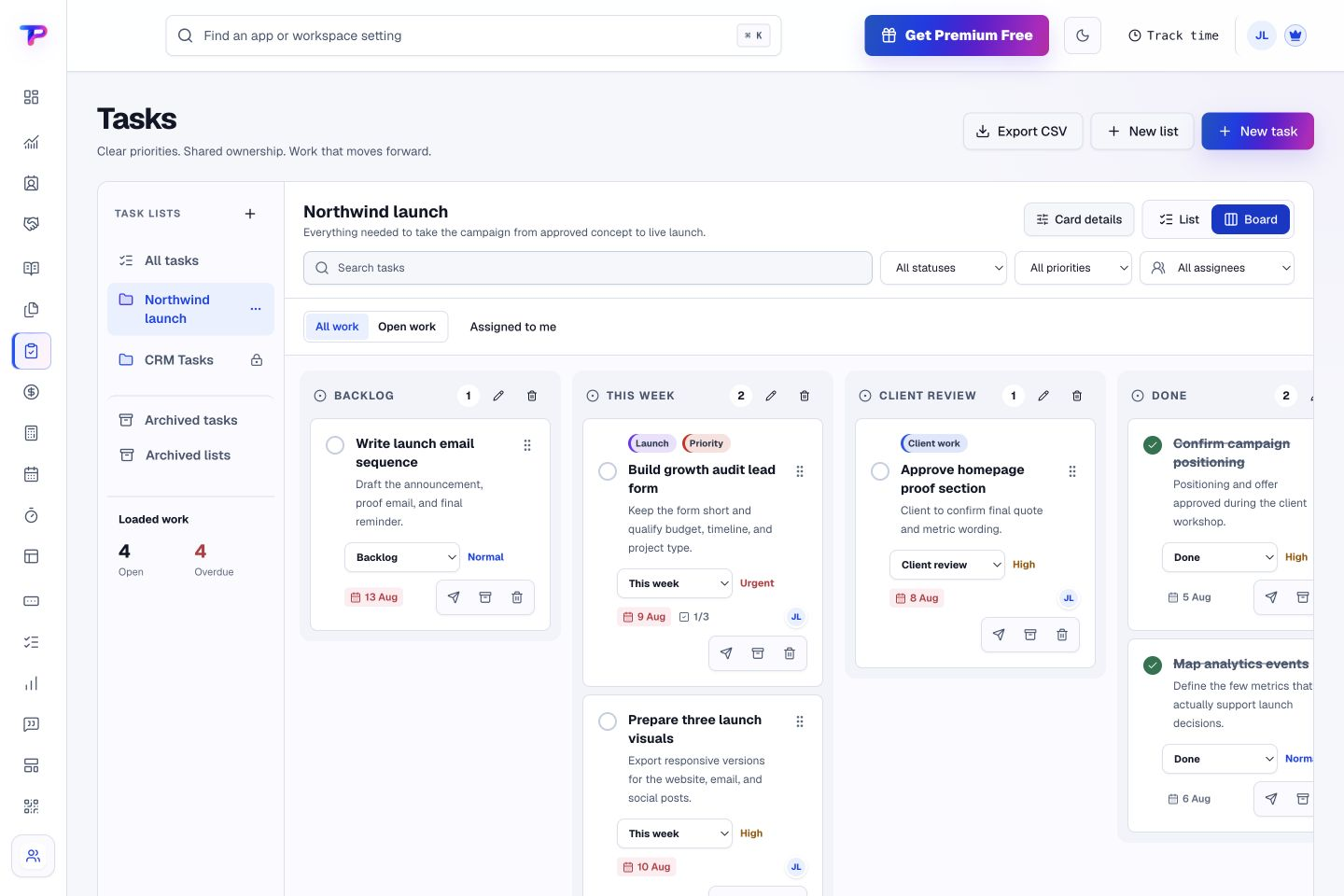
Bring notes, files, tasks, appointments, and time into one organised workday. Each app stays focused while the customer, project, and next action can move with the work.
Knowledge & decisions
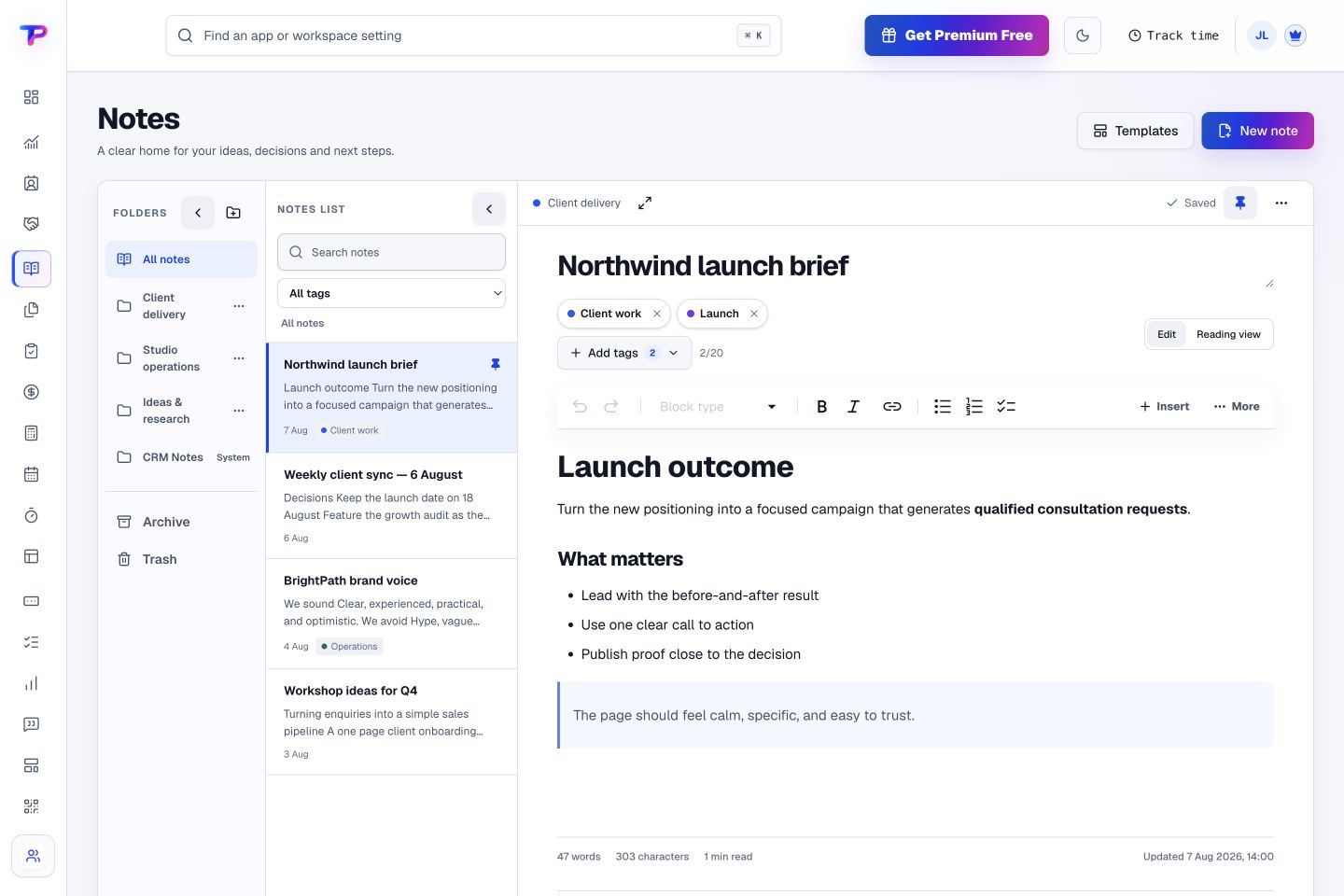
Notes
Capture decisions, meeting notes, and procedures your team can find again.
Write quickly. Organize lightly. Find the answer when work moves on.
Notebooks and folders. Give projects, clients, and departments a clear home without deep folder clutter.
Visual business editor. Format headings, lists, links, tables, emphasis, and checklists directly—without exposing markup characters.
Tags and search. Combine fast search with flexible tags to recover context in seconds.
Connected with: Tasks · CRM · Opportunities. Create follow-up work without losing the supporting context.
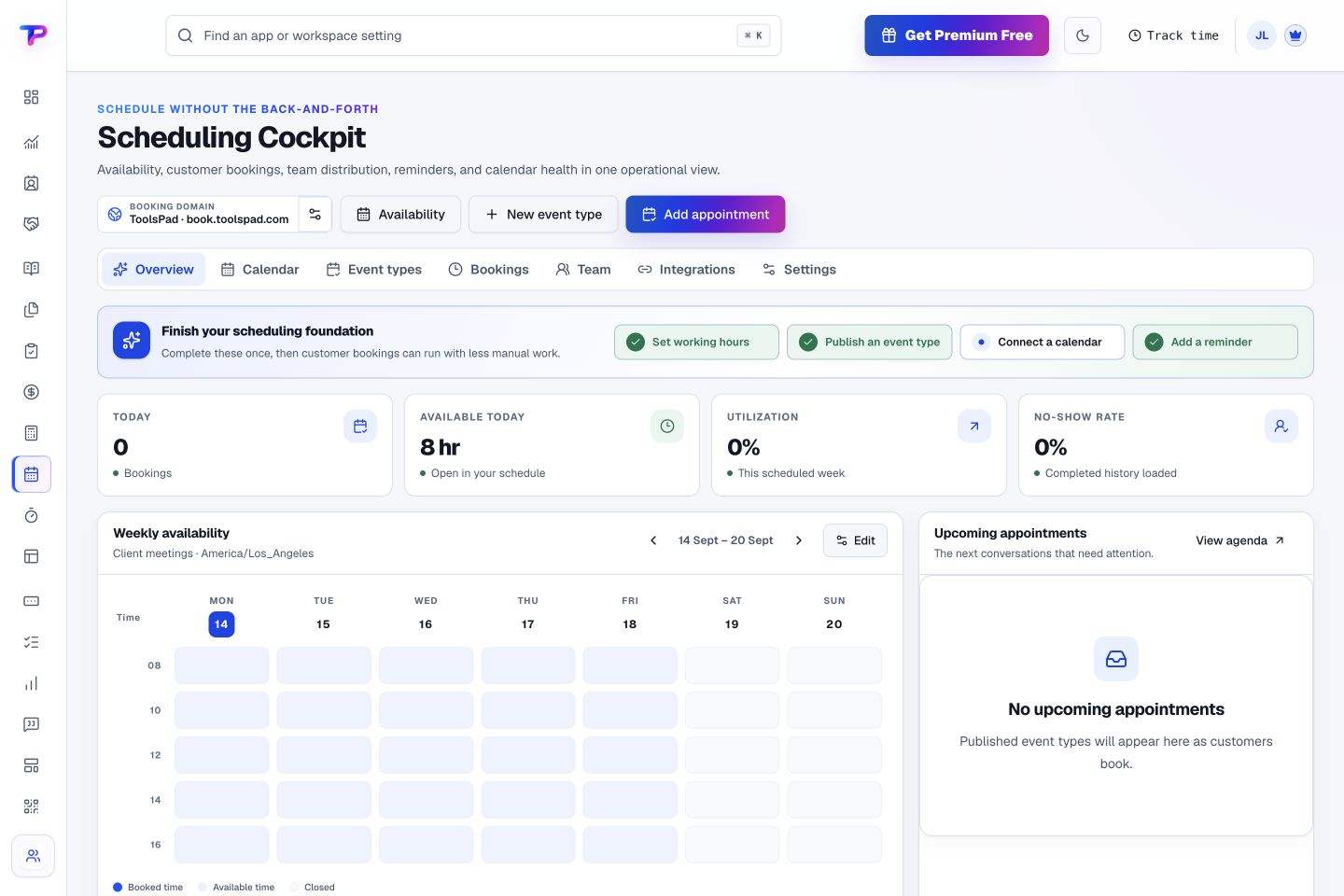
Publish booking pages and coordinate individual or team availability.
Fewer scheduling emails, fewer missed meetings, and one dependable booking workflow for your whole business.
1:1 and team scheduling. Offer individual, group, collective, or round-robin appointments without creating a complicated enterprise setup.
Google and Microsoft calendars. Check real availability, avoid conflicts, and write confirmed appointments back to the calendars your team already uses.
Flexible availability rules. Set working hours, buffers, notice periods, booking horizons, date overrides, and time off in each appointment schedule’s time zone.
Connected with: CRM · Tasks · Time Tracking. Match the attendee and show the booking in the customer timeline.
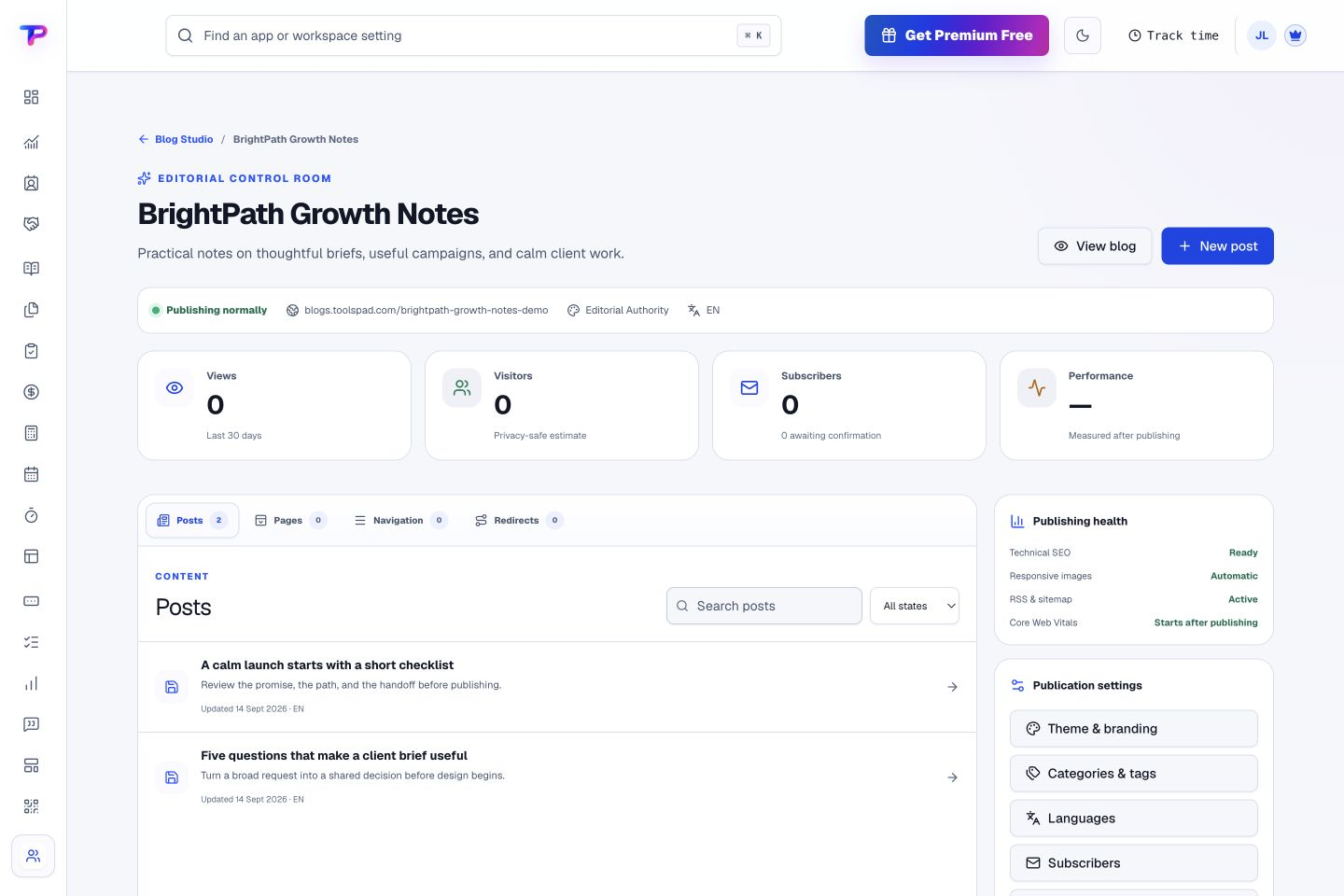
Publish pages and content, collect responses, and share your work with the world. Each app stays focused while the customer, project, and next action can move with the work.
Lead capture & delivery
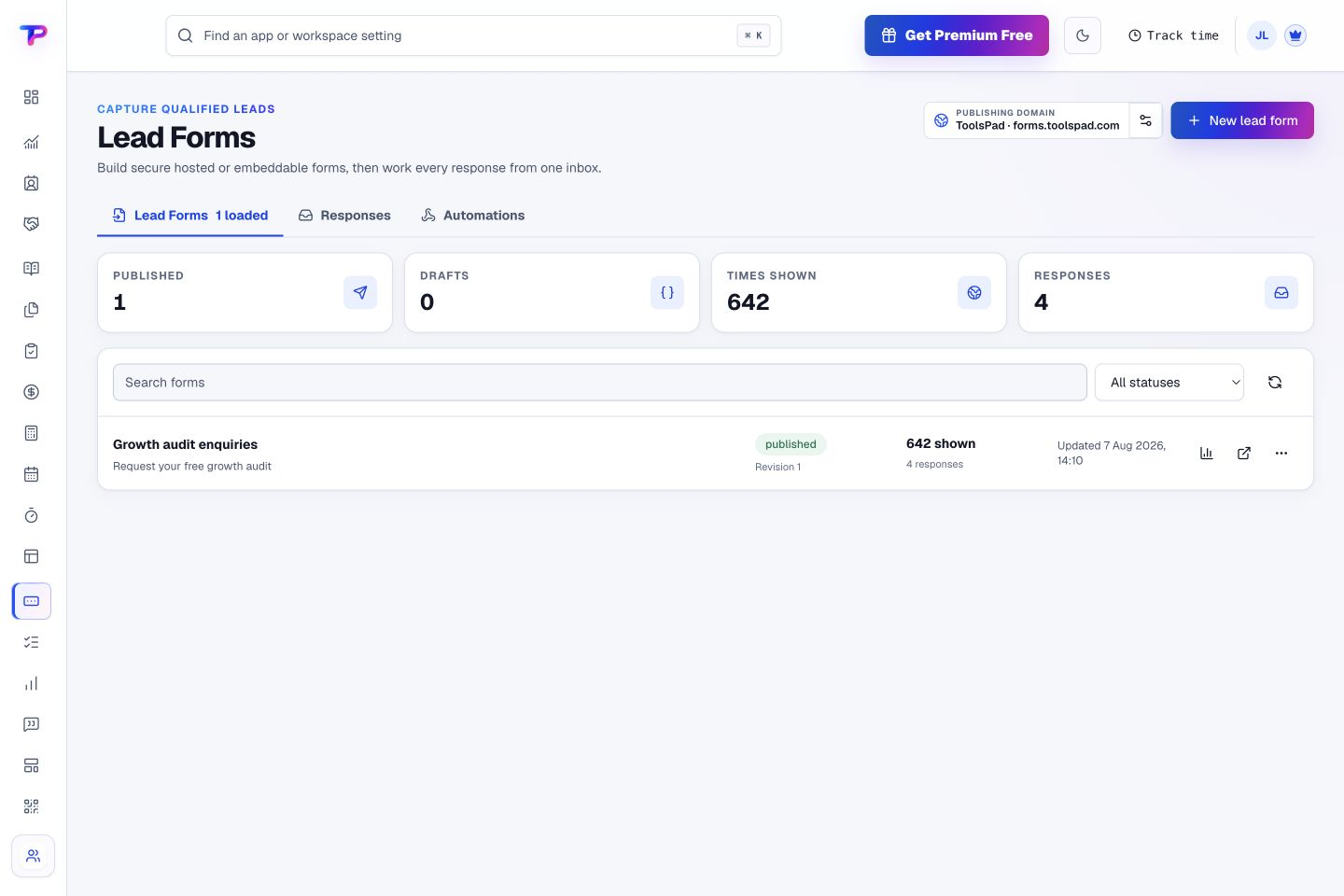
Lead Forms
Publish polished forms and move qualified enquiries into CRM.
From visitor response to accountable follow-up, with fewer fragile handoffs.
Hosted and embedded forms. Share a ToolsPad URL or place the form inside an existing website.
Flexible field builder. Collect the right information with validation and clear required fields.
Consent and spam protection. Ask for the permissions you need and protect public forms from automated spam.
Connected with: CRM · Opportunities · Landing Pages. Identified submissions create or safely match customer records.
Write simply, publish fast, and grow search authority and an owned subscriber audience.
Own a professional business publication that stays fast, portable, and connected to the rest of your customer journey.
Simple article writing. Use the familiar ToolsPad Notes editor for headings, lists, links, quotes, tables, code, and media while the theme controls layout.
Themes built for speed. Give your articles a polished home with fast-loading pages, responsive images, and layouts that read well on mobile.
Search foundations. Generate canonical URLs, structured data, RSS, sitemaps, social metadata, redirects, and multilingual hreflang automatically.
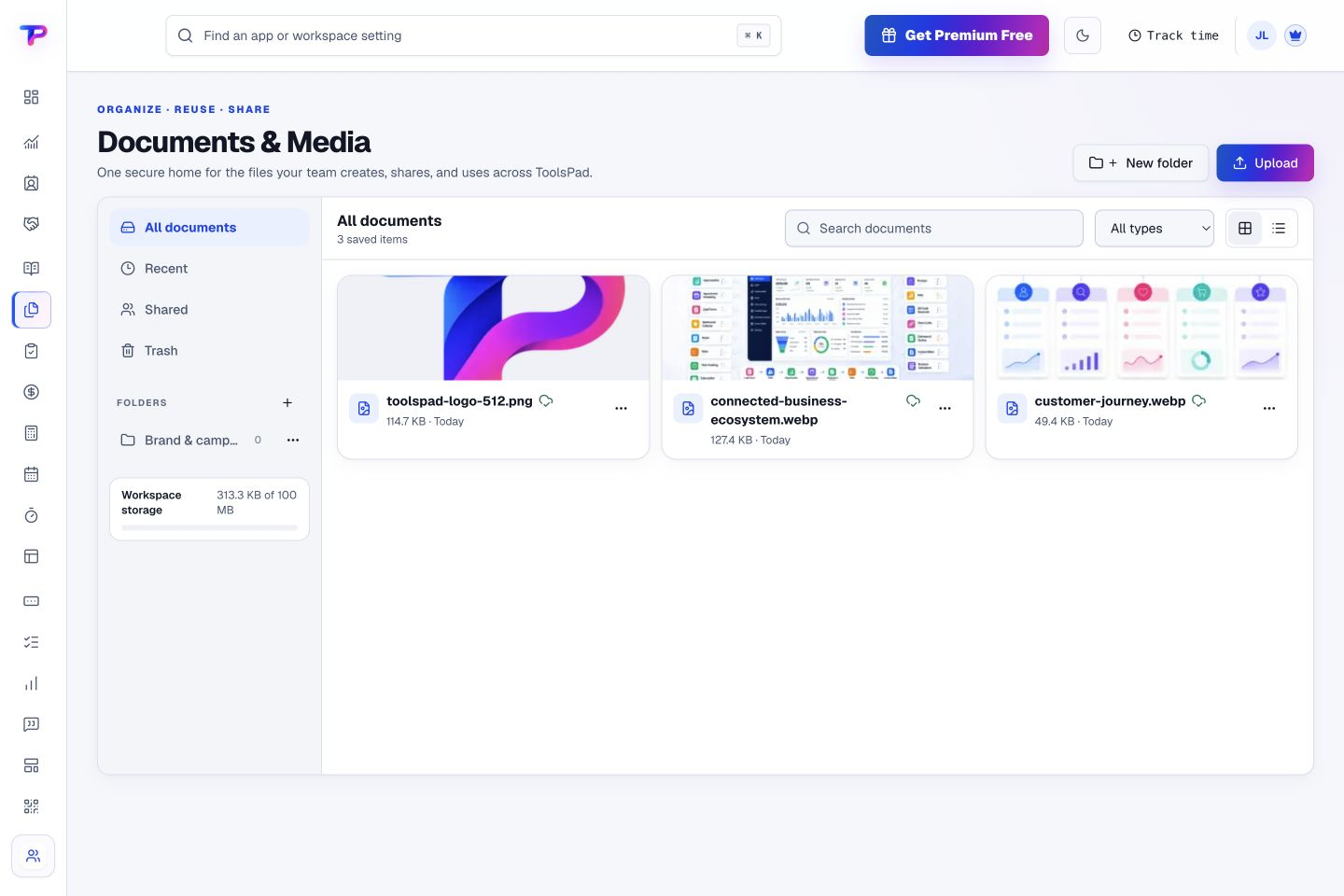
Connected with: Documents & Media · Lead Forms · Smart Links. Reuse brand images and article media from one organized library.
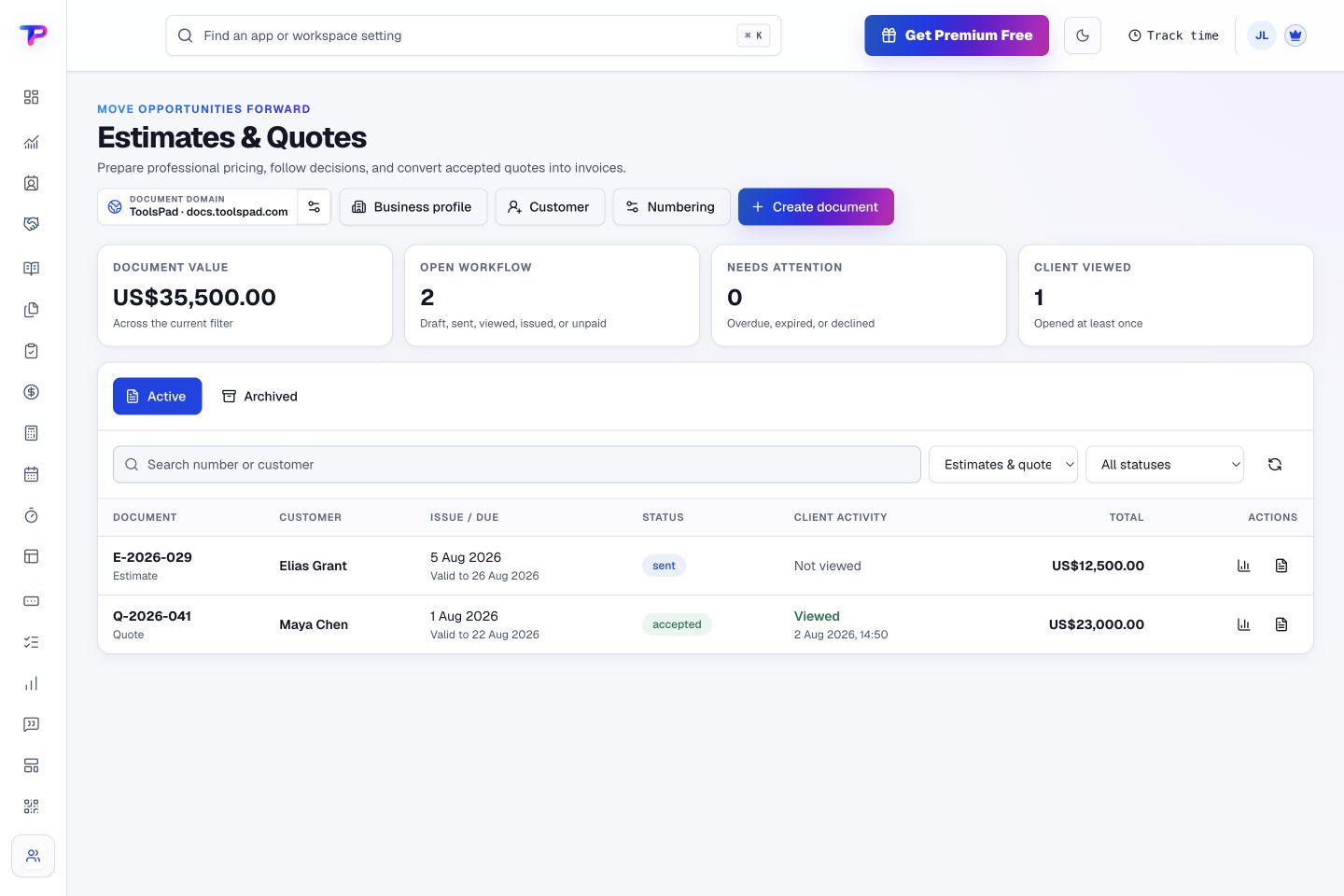
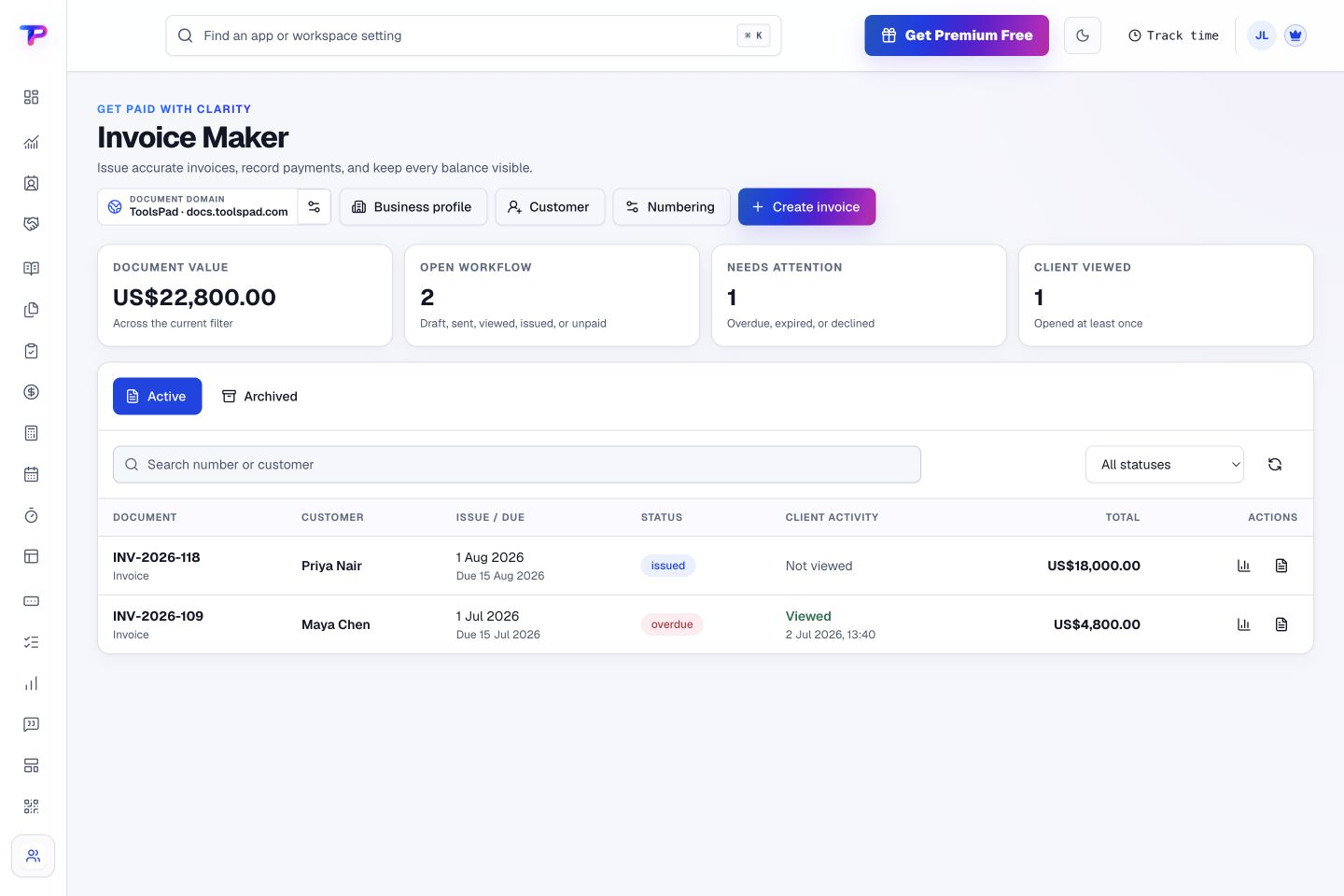
Keep subscriptions, quotes, invoices, and business calculations together. Each app stays focused while the customer, project, and next action can move with the work.
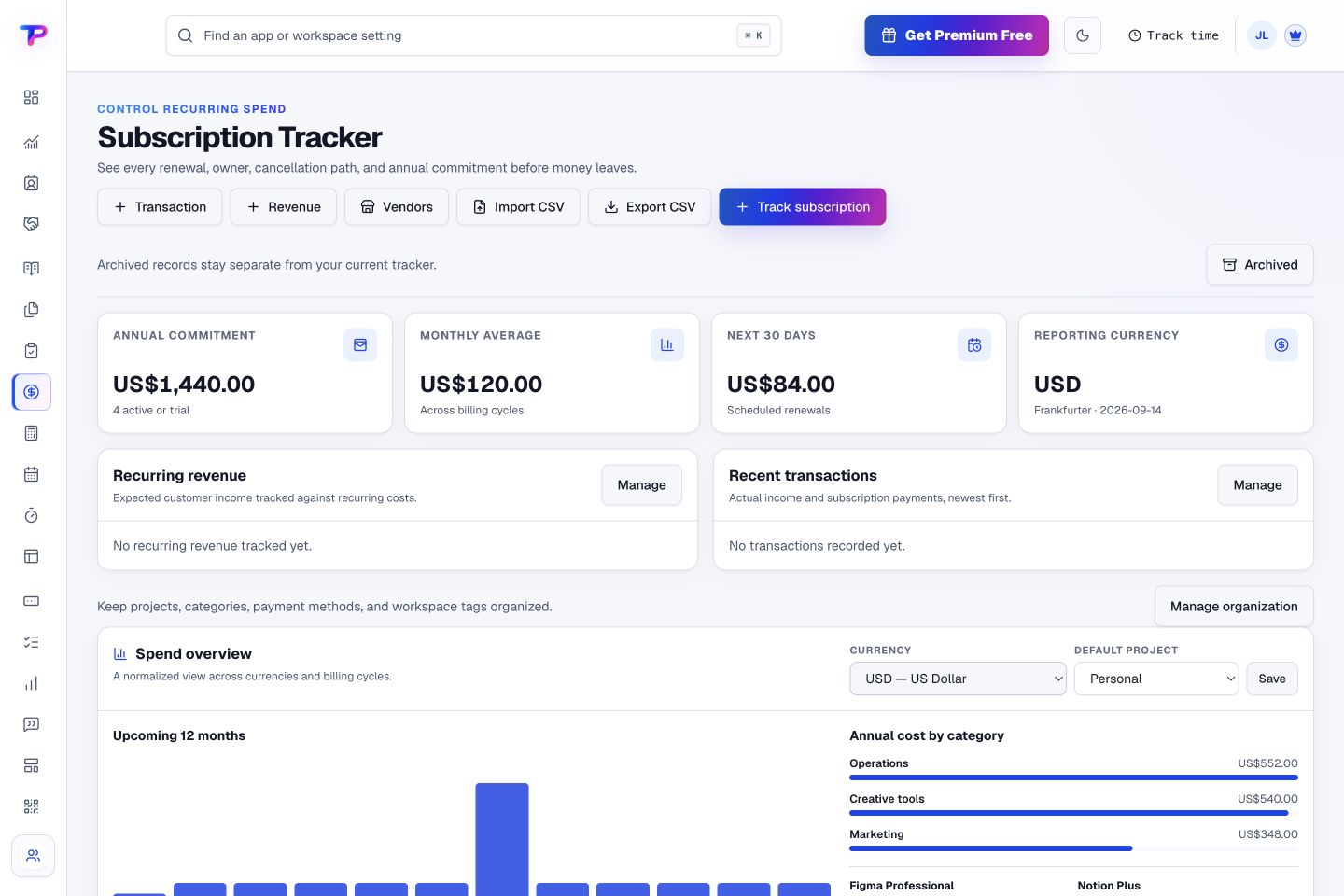
Renewals & recurring costs
Subscription Tracker
See renewals, owners, costs, and reminders before money leaves.
Reduce surprise renewals and make every recurring expense accountable.
Renewal schedules. Track monthly, annual, and custom renewal cycles with the dates that matter.
Multiple currencies. Record costs in the currency charged and keep portfolio summaries useful.
Owners and vendors. Know who uses a service, who manages it, and who supplies it.
Connected with: Tasks · Notes · Calculators. Turn a renewal decision into owned cancellation or review work.
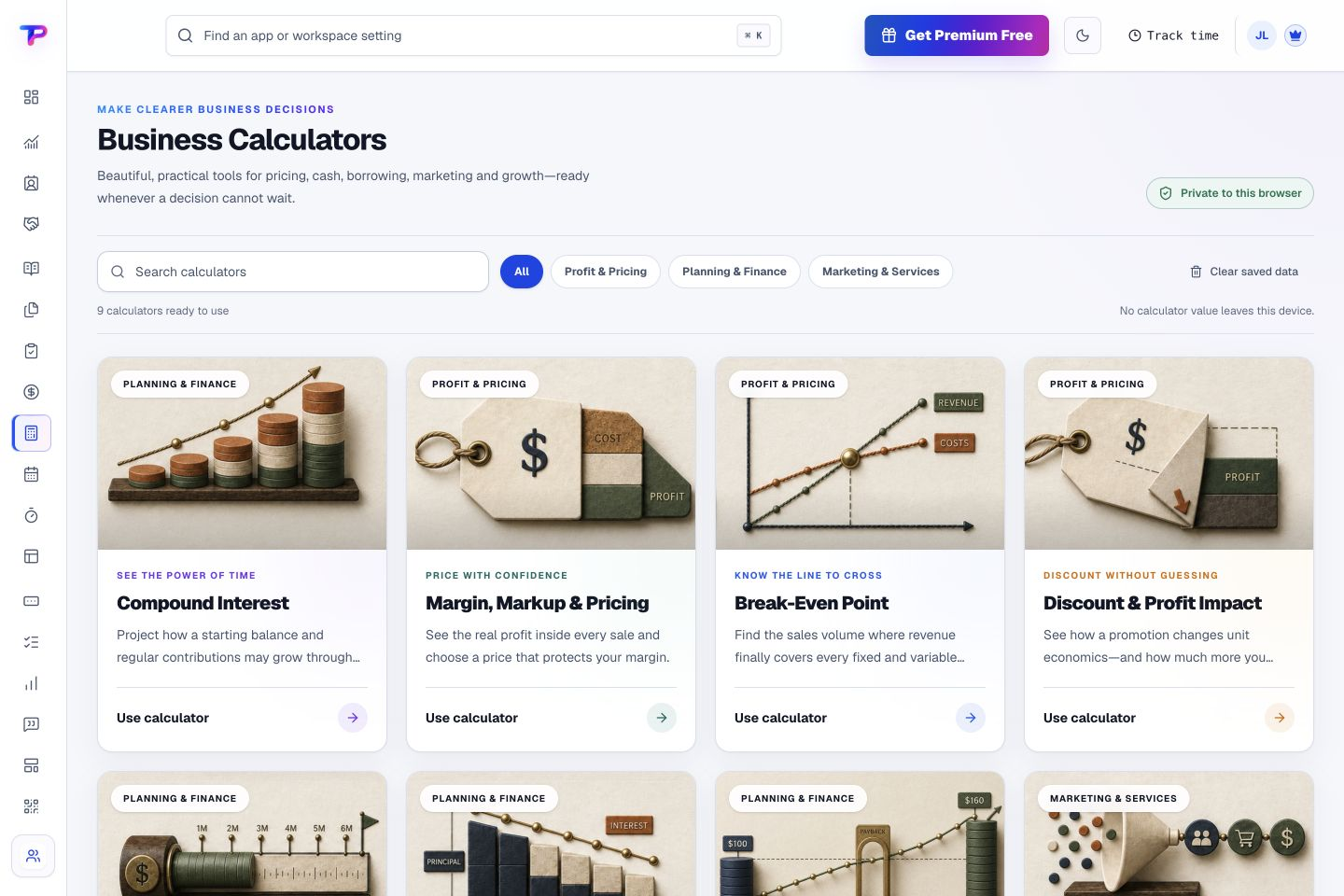
Answer pricing, cash, loan, ROI, and growth questions visually.
Model the decision instantly, understand the formula, and keep every input private to your device.
Nine focused calculators. Open a purpose-built workspace for pricing, break-even, discounts, runway, loans, ROI, marketing, hourly rates, or compound interest.
Slider and exact input. Explore a range visually, then type the precise value when the decision needs exact numbers.
Readable charts and schedules. See labelled comparisons, growth paths, payment schedules, and supporting detail instead of a single unexplained number.
Connected with: Estimates & Quotes · Opportunities · Subscription Tracker. Check pricing and margin before presenting a commercial proposal.
No automatic charge. No pressure to use every app. A useful Free plan to come back to.
Built for the long run
Your business will evolve. So will your workspace.
We are committed to improving ToolsPad and adding useful apps as the needs of small businesses grow. A simpler workday is not a one-time feature. It is the direction we keep building toward.
Confidence, without the fine print
Try it on your terms.
Explore the product before you pay. Review the plan limits before you grow. Your business records stay yours, with workspace export and deletion controls available when you need them.
Start free. Add complexity only when the work needs it.
ToolsPad is designed for owner-led businesses, agencies, consultants, and small teams that want professional operating depth without a long software implementation.
Is ToolsPad one product or 21 separate subscriptions?
ToolsPad is one connected workspace containing 21 focused applications. You use the same identity, team membership, workspace permissions, and central app area across the suite.
Do I need to use every app?
No. Start with the app that solves today’s problem. The rest of the connected suite is available when your workflow reaches it.
How are the apps actually connected?
ToolsPad links durable business relationships instead of copying every payload. Forms and appointments can feed CRM context, documents can stay with an opportunity, and approved time can become invoice-ready billing.
Is ToolsPad free?
Yes. Your first workspace starts with 30 days of Premium, with no card required and no automatic charge. It continues on the permanent Free plan unless you choose a paid plan. Your records remain readable and exportable; if you exceed a Free allowance, new activity in that resource category pauses.
Can I bring my team and different brands?
Yes. Every workspace supports unlimited human users—even on Free. Keep one workspace per business, with its own people, records, plan and usage limits. You can switch between businesses from one account.
When would I need a paid plan?
Start on Free and upgrade when your business needs higher usage limits or advanced capabilities. Paid plans are per workspace, not per person. Compare plans and limits before you decide.
Can I bring my existing data—and export it later?
ToolsPad provides supported import, export and deletion controls, including on Free. Check the import options in the app you want to start with. You do not need to move your whole business at once.
Stop juggling software. Start running your business.
Bring customers, sales, delivery, and billing into one connected workspace. Start free and add only the apps your business needs.